Get Full Government Meeting Transcripts, Videos, & Alerts Forever!
Berkeley County Schools tutorial shows students how to message teachers in Schoology
Summary
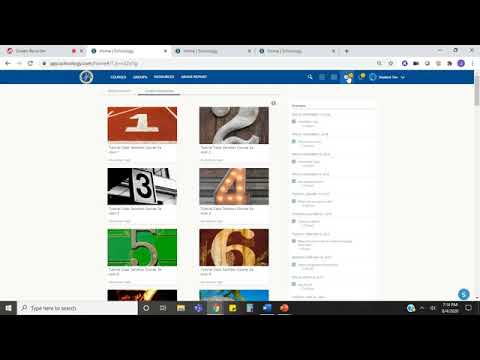
An instructional video from Berkeley County Schools explains two ways students can read and send messages in Schoology: using the envelope icon or messaging directly from a course's Members list. The presenter demonstrated reading unread messages, composing new messages, and attaching files or media.
An unidentified staff member for Berkeley County Schools explained how students can read and send messages to teachers in Schoology in a short instructional video.
The presenter said, "In the upper right hand corner of your ribbon, there is an envelope," and showed that a yellow-circle number on the envelope indicates unread messages. The video demonstrated clicking the…
Already have an account? Log in
Subscribe to keep reading
Unlock the rest of this article — and every article on Citizen Portal.
- Unlimited articles
- AI-powered breakdowns of topics, speakers, decisions, and budgets
- Instant alerts when your location has a new meeting
- Follow topics and more locations
- 1,000 AI Insights / month, plus AI Chat