Get Full Government Meeting Transcripts, Videos, & Alerts Forever!
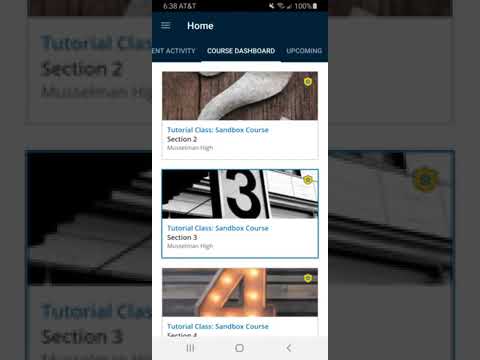
How to find course updates in the Schoology app
Summary
A student presenter demonstrated how to view teacher updates in the Schoology mobile app, including a key difference with the web browser: pinned announcements on the web do not appear automatically in the app and require tapping the Updates button.
A presenter, identified in the recording as a student, demonstrated how to view course updates in the Schoology mobile app by opening the app, selecting a course and tapping the Updates button on the course’s top ribbon.
The tutorial explained that updates posted by teachers appear in the Updates section of a course. The presenter said,…
Already have an account? Log in
Subscribe to keep reading
Unlock the rest of this article — and every article on Citizen Portal.
- Unlimited articles
- AI-powered breakdowns of topics, speakers, decisions, and budgets
- Instant alerts when your location has a new meeting
- Follow topics and more locations
- 1,000 AI Insights / month, plus AI Chat