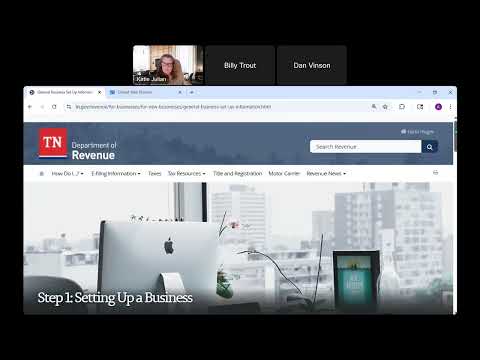
TenTap: Tennessee’s web portal for registering, filing and paying business taxes
Loading...
Summary
Department presenters demonstrated TenTap, the state's online tax portal, and highlighted account setup, access management, payment scheduling, exemption applications and help features for small businesses and representatives.
Department of Revenue staff walked attendees through TenTap, Tennessee’s online portal for registering tax accounts, filing returns, scheduling payments and managing access.
Katie Julian and the presenters showed that businesses must create a TenTap logon and then gain access to their tax accounts (accounts are not populated in a new logon automatically). The presenters said owners should maintain master access to their TenTap account even if an outside tax preparer or CPA files returns on their behalf. "All taxpayers should have access to the master 10 tap account," Julian said.
Why it matters: TenTap is the required electronic filing channel for most Tennessee tax types; incorrect or missing access can lead to missed returns, nuisance notices and, ultimately, proposed assessments and collections activity.
Key portal features discussed: - Account access: after creating a TenTap username/password, users must add or gain access to each tax account; a recent Department letter often contains a 'letter ID' that helps verify and add the account. - Returns and payments: TenTap shows outstanding returns, allows scheduled payments and supports estimated-payment types (for franchise & excise) and other payment categories. File-and-pay links appear beside accounts when returns are due. - Exemptions and certificates: TenTap includes an exemptions section where businesses can apply for certain exemptions online and a lookup tool to verify resale and exemption certificates supplied by customers or suppliers. - Support: TenTap’s assistant/chat creates a support ticket if the bot cannot answer, and the Department provides a support email revenue.support@tn.gov and a main call center at (615) 253-0600.
Practical tips from presenters: keep copies of Department letters (for account verification), assign access to trusted representatives but maintain a master account, file zero returns if an account is open but sales have not begun, and use TenTap’s action center and submission history to track filings.
Ending: Department staff encouraged businesses to register on TenTap early if they need resale certificates before opening, but to file timely zero returns until sales begin to avoid default notices.