Clerk offers Otter.ai transcription access to help produce meeting minutes
Get AI-powered insights, summaries, and transcripts
Subscribe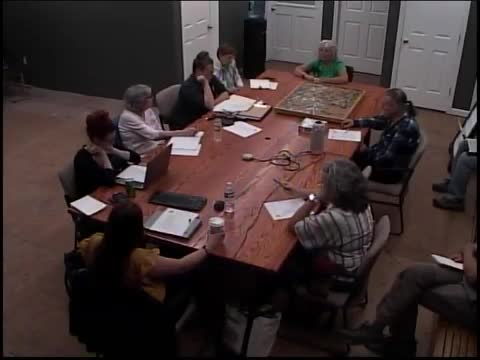
Summary
Town Clerk Mel Green described Otter.ai as an AI-based transcription tool the town can make available to boards and committees to generate meeting transcripts and aid minute-taking, with limits on speaker identification in in-person meetings.
Mel Green, the town clerk, described Otter.ai as a tool the town can make available to clerks and committees to capture meeting audio and produce transcripts for minute-taking.
"It's like an AI that can do note taking for you, and it will take a transcript of your meeting," Green said. She cautioned that Otter.ai identifies speakers reliably only when participants join a virtual meeting individually; if everyone is in the same physical room the service may not distinguish who is speaking.
Green offered to create accounts and said she has a sign-up sheet to collect email addresses from any clerk who wants access. She said she currently uses a colleague's account and would investigate how multiple accounts would be managed. Clerks who use Otter.ai were reminded that the transcript is a starting point and will typically need human editing for accuracy and speaker labeling.
Town staff noted that transcripts can be useful for public hearings or meetings with many speakers, and that clerks often copy portions of the transcript into draft minutes. Green asked interested clerks to provide an email address for setup and offered to follow up with instructions.