How to submit Transparent Utah quarterly reports: formats, upload steps and help contacts
Summary
Auditor staff explained the Transparent Utah data format, upload process and timelines for quarterly revenue/expenditure files and annual payroll compensation reports, and offered contact support for entities using Cassell, Polaris or other accounting systems.
Kramer and Julian Counts from the auditor's transparency team walked attendees through the Transparent Utah upload process, explaining that quarterly revenue and expenditure reporting is a raw-data upload rather than a PDF-style form and that most accounting packages (for example, Cassell or Polaris) can export the required pipe-delimited file format.
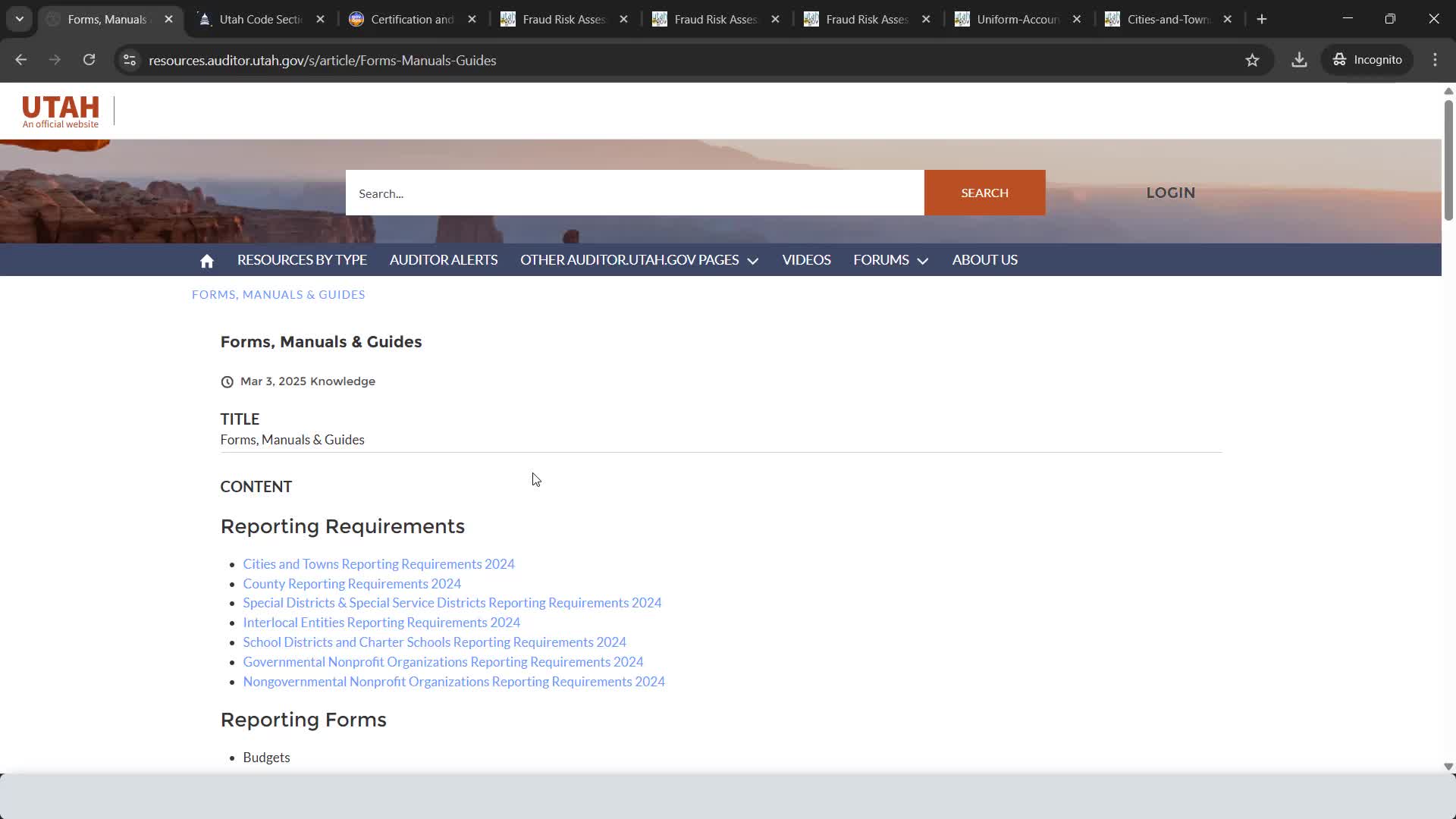
Kramer said the transparent file layout is available from the office and that required columns are indicated in the layout (the auditor's portal validates files on upload). He demonstrated selecting an entity and uploading a prepared file through the state reporting system's Transparent Utah interface and said the portal performs a basic validation and either accepts the file or returns a rejection with error messages for correction.
Staff reminded attendees that quarterly reports are due 30 days after the quarter ends (the January'March quarter is due in early May) and that annual payroll compensation reports are due 90 days after the fiscal year end. Kramer advised attendees that many entities' accounting software can produce properly formatted exports and that the portal upload itself usually takes a minute once the file is prepared.
The transparency team offered direct assistance for entities that do not have automated exports and encouraged clerks to contact Kramer or Julian via the office email addresses they provided for help preparing or troubleshooting files.
Ending: Staff encouraged entities to check the compliance dashboard after upload and to contact the transparency team for rejections or format questions.