Get Full Government Meeting Transcripts, Videos, & Alerts Forever!
Get email alerts on the Authentication topic
No spam. Unsubscribe anytime.
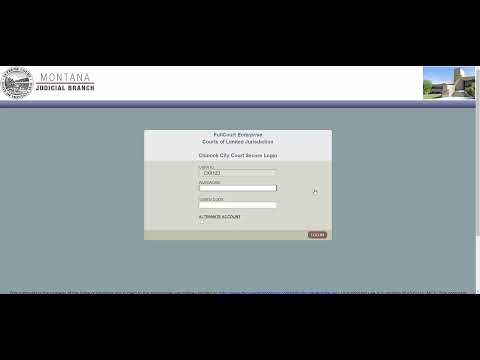
Montana Courts: Login steps for users with RSA tokens and FCE accounts
Summary
The transcript records step-by-step login instructions for Montana Courts users whose SCE username differs from their C number and for users of FCE accounts.
The transcript includes step-by-step login instructions for Montana Courts users who have RSA tokens and for users of the FCE account system.
Court users with an RSA token whose SCE username is different from their C number should type their C number in the user ID field, select the correct court and click Continue. They then must enter their password and the RSA token code from a phone application or a physical RSA token, and check the alternate account option if applicable.
Separately, users of the FCE system should enter their FCE user ID and its associated password, then click Log In. The transcript records these procedural steps but does not include additional context, troubleshooting guidance, or changes to policy or system configuration.
No formal actions, votes, or policy directives appear in the transcript excerpt.