Get Full Government Meeting Transcripts, Videos, & Alerts Forever!
Get email alerts on the Court Access topic
No spam. Unsubscribe anytime.
Montana Courts issues RSA-token login instructions for court users
Summary
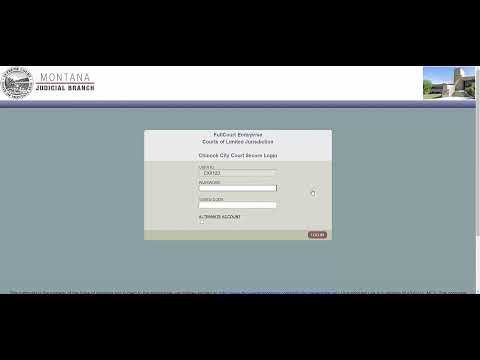
Montana Courts provided step-by-step directions for court users who sign in with RSA tokens: enter a c number as the user ID, select the correct court, continue, enter a password, then enter the RSA token code and click “Click log in.” Support contact information was not specified.
Montana Courts provided step-by-step instructions for court users who authenticate with an RSA token: type your c number in the user ID field, select the correct court and click Continue, enter your password, then enter the RSA token code from your phone application or physical RSA token and click "Click log in."
The guidance clarifies the sequence required to complete two-factor authentication for court accounts that use RSA tokens, intended to ensure users can access court systems by combining a password with a rotating token code. The transcript records the instructions in direct, procedural language and does not include additional policy context, timing, or contact information for support.
The steps as presented are: type your c number in the user ID field; select the correct court and click Continue; enter your password; enter the RSA token code from a phone application or a physical RSA token. The transcript concludes with the short command "Click log in," attributed in the meeting text to Montana Courts.
The record does not specify where users should obtain an RSA token, how to reset a password, or whom to contact for login problems. Those details were not provided in the transcript.