Get Full Government Meeting Transcripts, Videos, & Alerts Forever!
Get email alerts on the Student Enrollment topic
No spam. Unsubscribe anytime.
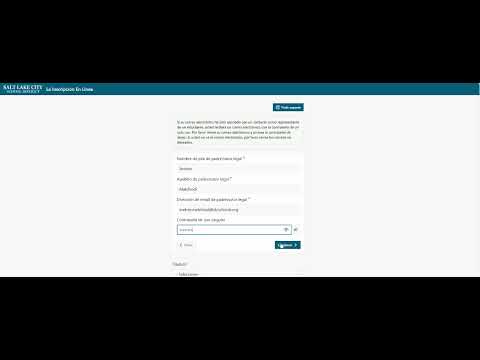
Select City video explains online student registration using one‑time password
Summary
A district instructional video walks parents and guardians through the Select City School District online registration flow: request a one‑time password (OTP) sent to the email on file, enter the code, confirm student information, and complete enrollment or register a new student.
A staff member for Select City School District demonstrated how parents and legal guardians can register students online by requesting a one‑time password sent to the email address associated with the student’s contact information. "Esta es una breve demostración de cómo registrar a su estudiante en el distrito escolar de Select City, solicitando el envío de una contraseña de uso único en la dirección de correo electrónico asociada a los datos de contacto del representante del alumno," the staff member says.
The video shows step‑by‑step actions users must take to complete online registration and why those steps matter. It instructs guardians to request a one‑time password, paste that password into the registration page, confirm the student listed under the email address, and verify grade and school information before beginning the registration process. "Usted debería haber recibido un correo electrónico similar al que se muestra en este ejemplo. Copie la contraseña de uso único y colóquela en el campo donde se solicita la contraseña y, finalmente, haga clic en continuar," the staff member says.
The video emphasizes that only a parent, mother, father or legal representative will see students associated with that email address on the list, and it advises users to verify the displayed school and grade before proceeding. If a child has not previously attended the district identified in the video, the presenter shows a separate option labeled to "register a new student." The presentation also notes that if users need additional help with online registration, they should contact the school the student will attend.
The tutorial closes by instructing users to complete the online form and then click the option to sign out when finished. The video at one point refers to both "Select City" and, when describing students who have not attended the district in the past, to "Salt Lake City," which appears in the recording text. The staff member instructs users to check junk or spam folders if the OTP email does not appear.
This recording is an instructional demonstration and does not record any vote, formal action, or policy change by a governing body.