Get Full Government Meeting Transcripts, Videos, & Alerts Forever!
Get email alerts on the Digital Registration topic
No spam. Unsubscribe anytime.
New users must register to use municipal electronic services; verification and optional 2-step authentication included
Summary
A staff member explained that new users must create an account in the city—s electronic services system, that ePlands-related permissions will appear when the same email is used, and that email verification and optional two-step authentication are part of the process.
A staff member said new users must register in the electronic services system to submit requests, track progress and receive notifications.
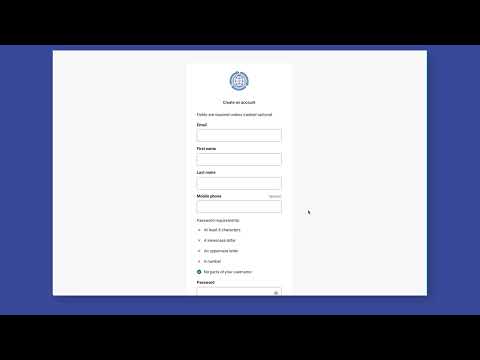
The system will accept the same email address used for any existing ePlands account, and any ePlands permissions tied to that email will appear after the user registers. The staff member described the step-by-step registration flow: click the sign-in/register button, choose Create an Account, enter personal and address information, verify the email using a code sent by email, and complete registration to reach the user dashboard. The staff member also noted that users may enable optional two-step authentication and that there are three types of two-step options available.
The staff member emphasized that after registration the user is automatically signed in and that to sign out one should click their name in the upper right corner and choose Sign Out. The instructions did not specify exact names or timings of the three two-step options beyond noting they are optional, nor did they provide a support contact in the transcript.