Get Full Government Meeting Transcripts, Videos, & Alerts Forever!
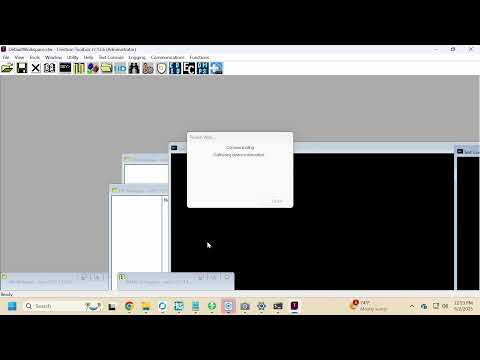
Technicians troubleshoot livestream UI, plan HDMI swap during meeting setup
Summary
Staff members troubleshooting a meeting livestream discussed inconsistent button labeling, missing active-state indicators for recording and streaming, and decided to swap HDMI inputs and consider a code change to fix the display and popup behavior.
Staff members troubleshooting a meeting livestream spent the session addressing user-interface labeling, missing active-state indicators for recording and streaming, and the mapping of HDMI inputs to the stream processor, ultimately agreeing to swap HDMI inputs and pursue a software tweak, staff said.
The discussion matters because the county’s public meetings rely on that streaming setup to show presentations and camera feeds correctly for remote viewers, and the technicians focused on fixes intended to reduce confusion during live broadcasts.
Technician 1, a staff member, described how the interface currently behaves: “When we select full screen, that is full screen cameras. Right? That’s what we see. Side by side gives me our program content as a little window, a picture in picture. If I hit stop content, I get full stream content.” Technician 2, a staff member, agreed and noted the way…
Already have an account? Log in
Subscribe to keep reading
Unlock the rest of this article — and every article on Citizen Portal.
- Unlimited articles
- AI-powered breakdowns of topics, speakers, decisions, and budgets
- Instant alerts when your location has a new meeting
- Follow topics and more locations
- 1,000 AI Insights / month, plus AI Chat