Get Full Government Meeting Transcripts, Videos, & Alerts Forever!
Get email alerts on the User Registration topic
No spam. Unsubscribe anytime.
Delray Beach: How to register for the online system
Summary
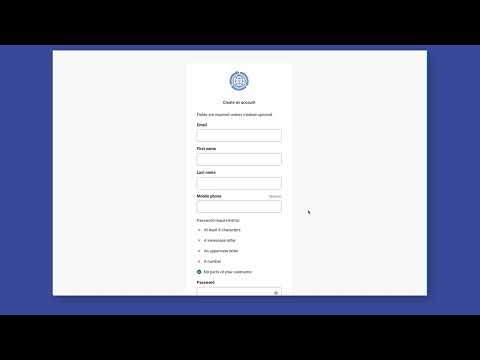
A staff presentation explained step-by-step instructions for new users to create an account, verify an email address and optionally enable two-factor authentication for Delray Beach's online system.
A staff member (Presenter) outlined steps new users should follow to create an account, verify their email address and access the dashboard of Delray Beach’s online system.
The instructions said new users must click the sign-in button at the top right of the page and select “Create an account” to begin the registration process. After entering the required information and selecting preferences, users should click “Register” or “Continue” to proceed.
The presentation clarified that the system sends a verification code to the email address provided; users must copy the code from their email, paste it into the verification field on the site and click “Verify.” The staff member (Presenter) noted that two-step verification is optional and can be enabled at the user’s discretion.
Users were told the site offers three available methods to proceed during setup; after choosing a method and adding personal details including address, the final step is to submit the information. Once registration is complete, the system will open the user’s dashboard automatically.
To sign out, users should click their name at the top right of the page and choose “Sign out.” The presentation did not provide specific contact information for technical support or additional help.
The instructions focused on account setup and basic security choices; no formal actions, votes or policy changes were discussed in the transcript segments that were provided.