Get Full Government Meeting Transcripts, Videos, & Alerts Forever!
How to apply for a Delray Beach business tax receipt online
Summary
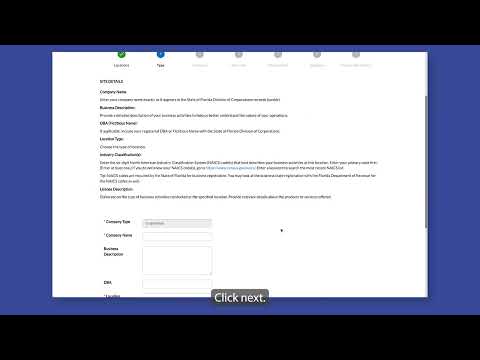
The City of Delray Beachtutorial explains how to use the e-services portal to start, track and submit a business tax receipt application, including selecting a NAICS code, adding owners, attaching documents and signing electronically.
The City of Delray Beach's e-services system lets applicants begin, track and submit business tax receipt applications online, the tutorial shown in the city's instructional video explains.
The online application process begins on the e-services portal's Applications page, where users click the Apply tab, choose the appropriate application category and follow an on-screen timeline that guides them through adding a business location, selecting an industry code, listing owners, attaching required documents and signing the form electronically. The tutorial notes applicants can search for and favorite contacts and that an FEIN may be left blank; applicants are…
Already have an account? Log in
Subscribe to keep reading
Unlock the rest of this article — and every article on Citizen Portal.
- Unlimited articles
- AI-powered breakdowns of topics, speakers, decisions, and budgets
- Instant alerts when your location has a new meeting
- Follow topics and more locations
- 1,000 AI Insights / month, plus AI Chat