Get Full Government Meeting Transcripts, Videos, & Alerts Forever!
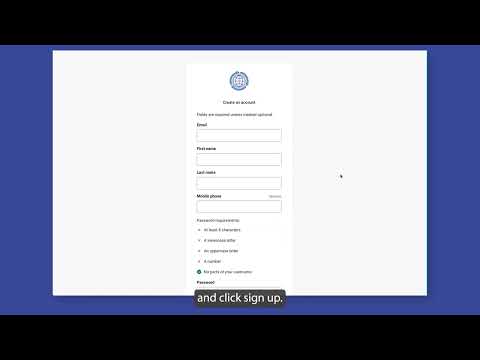
Staff member explains how new users register for eServices portal
Summary
A staff member outlined step-by-step instructions for new users to register for the eServices system, including email verification, optional two-step authorization, and linking existing ePlans permits to the eServices dashboard.
A staff member walked through how new users should register for the eServices system and how existing ePlans accounts can be linked to show permits in eServices.
The presenter said users must create an account, verify their email with a code sent to them, and may choose an optional two-step authorization method for login. "All new users must register for the e services system," the staff member said. They added that…
Already have an account? Log in
Subscribe to keep reading
Unlock the rest of this article — and every article on Citizen Portal.
- Unlimited articles
- AI-powered breakdowns of topics, speakers, decisions, and budgets
- Instant alerts when your location has a new meeting
- Follow topics and more locations
- 1,000 AI Insights / month, plus AI Chat