Get Full Government Meeting Transcripts, Videos, & Alerts Forever!
Clerk's office demonstrates how to find Evanston historical records on city website
Summary
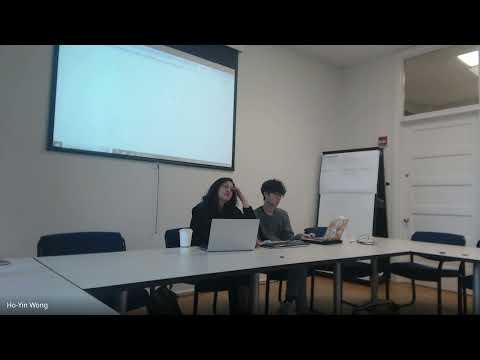
A City Clerk's Office staff member walked meeting attendees through the City of Evanston's online archives, showing where scanned council minutes, historical codes and other public records are posted and explaining how to request additional documents or file a public-records request.
A staff member in the City Clerk's Office explained how to navigate the City of Evanston's website to find historical codes, council minutes and other public records.
The staff member told the meeting attendees to go to the city's website and follow Government → Clerk's Office → Historical Records to reach the scanned archives. "So we're gonna quickly, show you how to navigate the website so you can access, our historical codes," the staff member said, adding that the City Council records link leads to scanned action agendas and books dating back to the 1960s.
Why it matters: the…
Already have an account? Log in
Subscribe to keep reading
Unlock the rest of this article — and every article on Citizen Portal.
- Unlimited articles
- AI-powered breakdowns of topics, speakers, decisions, and budgets
- Instant alerts when your location has a new meeting
- Follow topics and more locations
- 1,000 AI Insights / month, plus AI Chat