Get Full Government Meeting Transcripts, Videos, & Alerts Forever!
Pasco County tutorial: how to submit corrected plans in the online portal
Summary
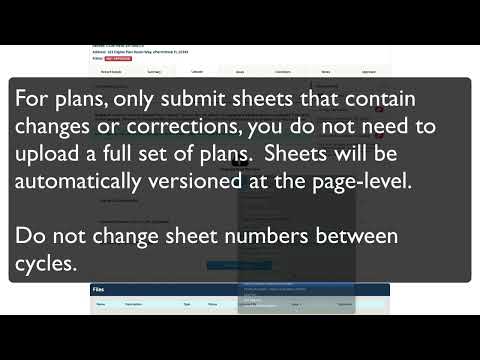
Pasco County staff explained how applicants should upload corrected plan sheets and supporting documents after answering plan-review issues in the county’s online portal, including guidance to upload only revised sheets, keep sheet numbers unchanged, and use the portal’s side-by-side thumbnail comparison.
Pasco County staff explained step-by-step how applicants should submit corrected plans and supporting documents through the county’s online plan-review portal after answering all open issues.
The county’s tutorial said applicants must first answer every open item in the Issues tab; once all issues are answered, the portal will display a notice that the applicant can upload corrected plan sheets and supporting documents on the Uploads tab. Applicants should click the resume link beside the newest review package to…
Already have an account? Log in
Subscribe to keep reading
Unlock the rest of this article — and every article on Citizen Portal.
- Unlimited articles
- AI-powered breakdowns of topics, speakers, decisions, and budgets
- Instant alerts when your location has a new meeting
- Follow topics and more locations
- 1,000 AI Insights / month, plus AI Chat