
How to register for ULCT Legislative Policy Committee meetings and update member rosters
Get AI-powered insights, summaries, and transcripts
Subscribe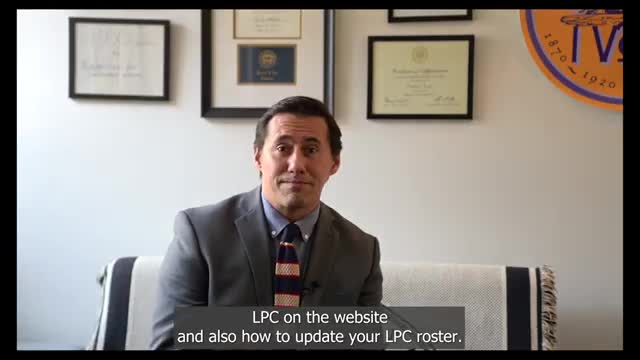
Summary
A Utah League of Cities and Towns staff member explained how city officials can RSVP for the League's Legislative Policy Committee and how to update a municipality's voting-member roster.
A Utah League of Cities and Towns staff member said city officials can register online to attend the League's Legislative Policy Committee (LPC) and can update their membership roster by email.
The staff member told meeting attendees that to register, officials should visit the League's website, open the Legislative Policy Committee page and click the RSVP button. "So there are a couple of ways in which you can register for LPC online, 1 of which is to go to our website under legislative policy committee. You'll find an RSVP button for LPC," the staff member said. They added that during the legislative session, attendees often do not RSVP to indicate in-person attendance in advance.
The staff member outlined a second registration route through ULCT email communications: "Another way in which you can register for LPC is if you go to any of our email communications. In the top left corner, there's an RSVP for LPC link that you can click, and then you'll get to where you need to go." They said officials can also verify who the League records as their jurisdiction's voting members by scrolling to the "voting members" section on the Legislative Policy Committee page.
For membership changes, the staff member provided a direct contact: email chanson@ulct.org and include the name of the person to be replaced on the membership roster. As an example of how to check membership, the staff member said: "So if I were to search for Parowan, you'll find your membership there." The staff member concluded by confirming the email address on the page and offering assistance to complete updates.
The League did not give additional details in the recorded remarks about RSVP deadlines, fees, or attendance limits. Officials seeking those specifics should contact ULCT at the provided email address.