Get Full Government Meeting Transcripts, Videos, & Alerts Forever!
Get email alerts on the Legislative Process topic
No spam. Unsubscribe anytime.
JFAC staff demonstrate SharePoint and session-record access for committee members
Summary
Keith Bybee of the Legislative Services Office walked new and returning Joint Finance and Appropriation Committee members through SharePoint access to the legislative budget book, document naming conventions, download steps and the public session record.
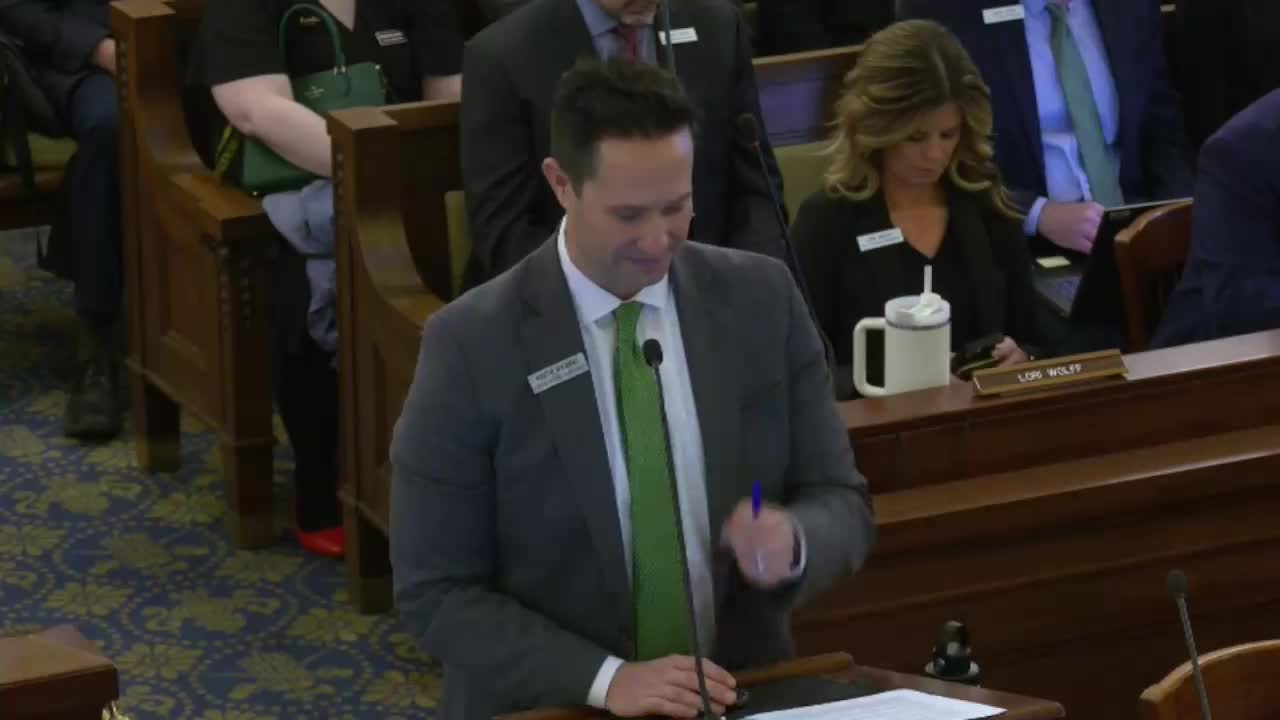
BOISE — Keith Bybee, division manager for the Legislative Services Office’s Budget and Policy Analysis Team, demonstrated how Joint Finance and Appropriation Committee members and the public can use SharePoint and the legislature’s session-record pages to access the legislative budget book, agency presentations and archived committee materials.
Bybee summarized the SharePoint repository work flow and a new naming convention the staff adopted to reduce duplicate downloads and help members find agency materials quickly. He showed members how to download files (download to edit rather than open read-only), save them into a JFAC folder, and use facing-page PDF viewing to compare fiscal-year tables side-by-side.
Why it matters: Committee members said the system will reduce paper use and improve in-session efficiency. Bybee also explained that the legislature’s public session record (legislature.idaho.gov → Legislative Services → Budget & Policy → session record by agency) holds video, audio, agenda-by-day and presentation slide decks for public review.
Key demonstration points
- SharePoint mirrors OneDrive-style workflows and organizes files by agency with a consistent five-digit code. Analyst and agency presentations use suffixes (for example 1-0049A for analyst presentation and 1-0049B for agency presentation) so all materials for an agency sit in one folder.
- Members should download files to edit: clicking a PDF in SharePoint often opens a read-only copy; downloading allows highlighting and notes.
- The legislative budget book is available digitally and can be printed on request. Bybee said the PDF for the legislative budget book totals about 850 pages.
- Staff offered iPads or Surface devices that allow committee members to mark up PDFs with a stylus. The system supports handwritten notes or PDF annotation depending on user preference.
Bybee said staff will provide one-on-one assistance to members who need help syncing SharePoint to personal machines and encouraged officials to save daily materials to a local JFAC folder to streamline hearings. The demonstration closed with instructions for the public to use the session-record tile on the legislature’s website to view materials and archived hearings.
Quotes and attribution
“Think of SharePoint as that same mechanism,” Bybee said, “the kind of repository for you to check each morning before you come in the committee or the night before so that you can download the materials and be prepared for the committee meeting.”
Ending
Bybee paused the live demonstration to offer individualized help; staff said they will follow up with members to complete device and SharePoint setup prior to scheduled hearings.
No formal committee actions occurred during the demonstration.