Get Full Government Meeting Transcripts, Videos, & Alerts Forever!
State Water Resources Control Board explains RWTD device registration process
Summary
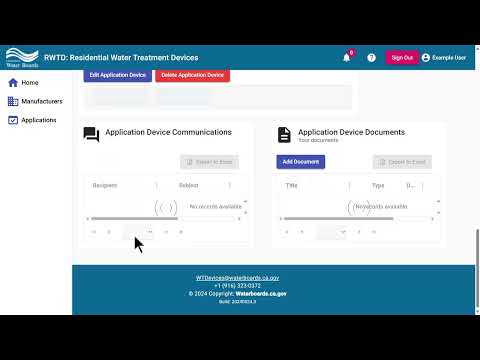
State Water Resources Control Board staff walked through how to create and submit a device registration application in the RWTD portal, including required fields, acceptable file formats, how to add multiple devices, and the agency contact for questions.
State Water Resources Control Board staff demonstrated how to submit a device registration application using the RWTD portal and outlined required documentation, file-format limits and the review process.
The portal requires applicants to sign in, open the Applications section, click Add Application, and select the manufacturer for whom they are filing. One dropdown concerns a decal required under California Health and Safety Code section 116,835; that dropdown must be completed before an application can be created.
The tutorial explained how to add…
Already have an account? Log in
Subscribe to keep reading
Unlock the rest of this article — and every article on Citizen Portal.
- Unlimited articles
- AI-powered breakdowns of topics, speakers, decisions, and budgets
- Instant alerts when your location has a new meeting
- Follow topics and more locations
- 1,000 AI Insights / month, plus AI Chat