Get Full Government Meeting Transcripts, Videos, & Alerts Forever!
Get email alerts on the Records Access topic
No spam. Unsubscribe anytime.
How to find Akron City Council ordinances and resolutions online
Summary
A Clerk's Office staff member explains how passed ordinances and resolutions are numbered, signed, scanned and uploaded to AkronCity CouncilDot Org and offers tips for searching the public portal.
A Clerk's Office staff member described how passed legislation is processed and how residents can search for it on the Akron City Council website.
The staff member said that once legislation is passed by Akron City Council, the Clerk of Council assigns an ordinance or resolution number and signs the document. "Legislation is also signed by the President of Council and the Mayor," the staff member said, and the recorded vote appears in the top right corner of the document. In the example shown, the staff member noted, "all 13 council members voted in favor."
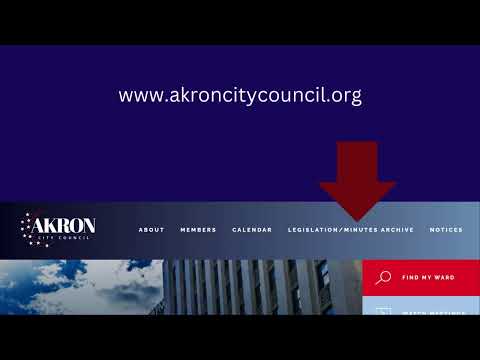
After signatures are added, the Clerk's Office scans each document and uploads it to a public portal so the full text is searchable from Akron City Council Dot Org. The staff member advised that if a user already knows an ordinance or resolution number, they can enter it in the first search box; the four-digit year (for example, 2025) indicates the year of the legislation.
The staff member emphasized search syntax: "Be sure to include asterisks around your search term." Using asterisks (wildcards) around a year or keyword will broaden results; users may narrow searches further by adding terms in the title-clause search box (for example, adding "contract" to find legislation whose title includes that term).
If users need assistance, the staff member said they should call the Clerk's Office for help obtaining a copy of a specific ordinance or resolution. The video concluded by noting Akron City Council's YouTube channel for additional informational videos.