Get Full Government Meeting Transcripts, Videos, & Alerts Forever!
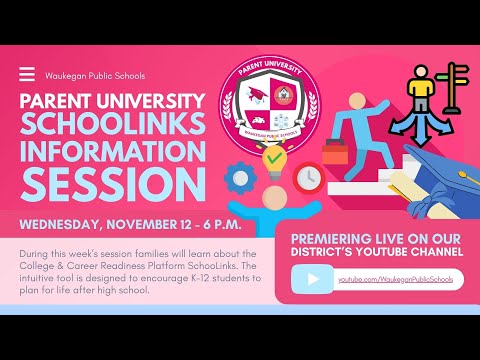
Waukegan CUSD 60 staff walk parents through SchoolLinks platform, account setup and features
Summary
Waukegan CUSD 60 college and career managers introduced SchoolLinks to parents, explained a one-code-per-student guardian claim process, highlighted career assessments, scholarship searches and language support, and said recordings and claim links will be posted to YouTube.
Waukegan CUSD 60 college and career staff introduced parents to SchoolLinks, the district’s college-and-career readiness platform, and explained how guardians can claim accounts and use the platform to monitor and support students’ postsecondary planning.
"SchoolLinks is a true all in 1 student success platform," said Destiny Boyd, college and career manager, describing tools for college research, applications, financial aid and career exploration. Staff said the district uses SchoolLinks beginning in middle school so counselors and managers can track student goals over time.
The presentation outlined how parents claim guardian access. Destiny Boyd said parents should receive an email with a claim code and then "sign up as a guardian," enter their relationship to the student and log in;…
Already have an account? Log in
Subscribe to keep reading
Unlock the rest of this article — and every article on Citizen Portal.
- Unlimited articles
- AI-powered breakdowns of topics, speakers, decisions, and budgets
- Instant alerts when your location has a new meeting
- Follow topics and more locations
- 1,000 AI Insights / month, plus AI Chat