How to register, authorize and manage CIWQS data submitter accounts
December 01, 2025 | State Water Resources Control Board, Boards and Commissions, Executive, California
This article was created by AI summarizing key points discussed. AI makes mistakes, so for full details and context, please refer to the video of the full meeting. Please report any errors so we can fix them. Report an error »
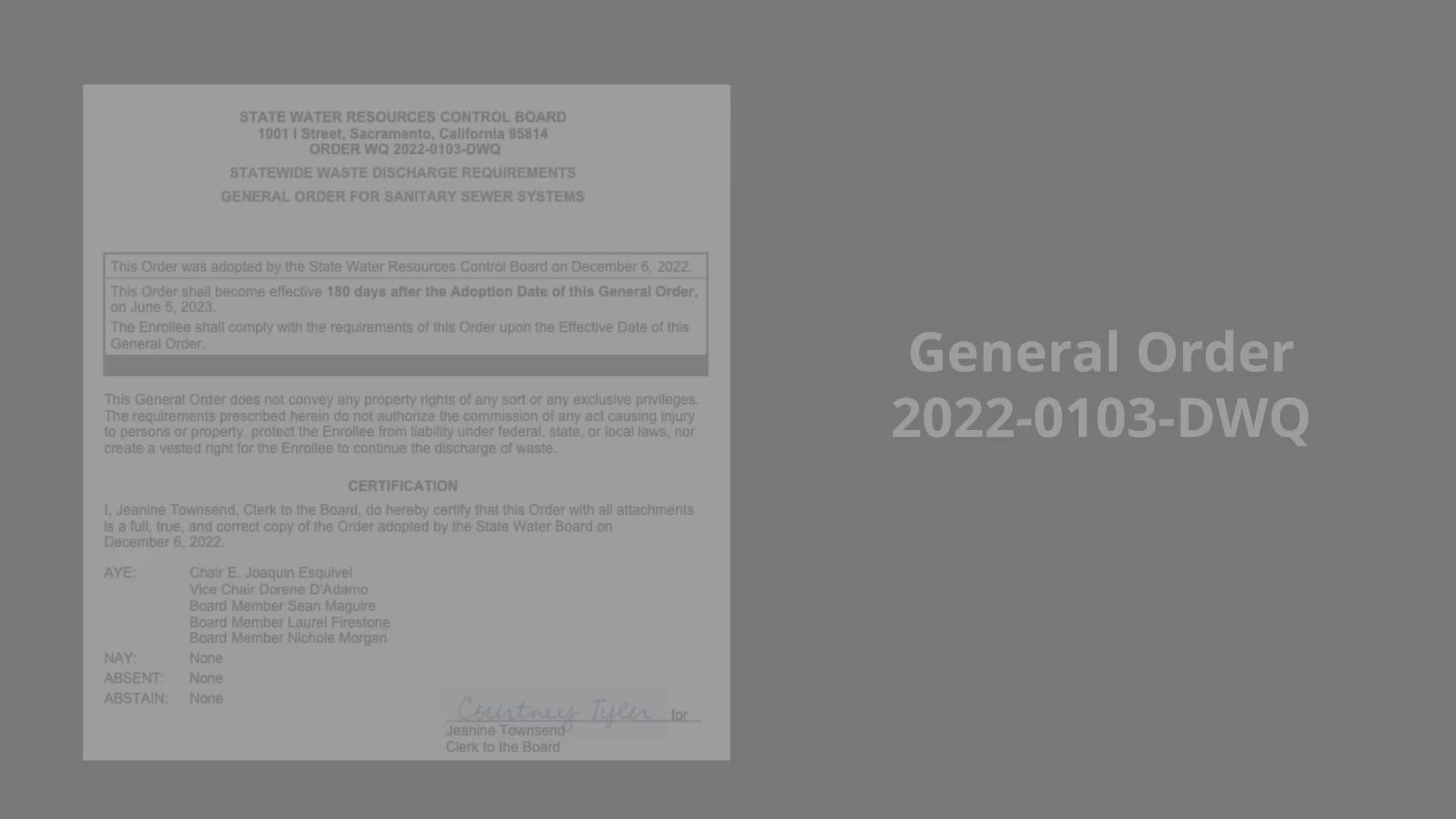
The video opens by citing General Order 2020 and DWQ section 5.8 and notes that “enrollees may designate, update or delete a data submitter in the California Integrated Water Quality System data,” and that data submitters are authorized to enter data only for facilities to which they have been granted access by a Local Responsible Official (LRO).
To become an authorized data submitter, the video describes a two-step process: first, register for a data submitter account in CIWQS; second, have the facility’s LRO authorize access to the requested facility. The presenter instructs viewers to visit https://ciwqs.waterboards.ca.gov, click the user registration button, select the statement “I wish to be able to submit data on behalf of my facility or location, but I'm not the legally responsible person,” and proceed.
During registration applicants should select “sanitary sewer overflow” as the discharge type, enter the facility WDID, click the Validate WDID button, select the organization and facility they represent, create a unique user ID and PIN, and complete all fields marked required. The video cautions users to securely save their user ID, account PIN, security question answers and password.
After an application is submitted, CIWQS notifies the facility’s LRO, who must review and authorize the request before the submitter may access facility records. The presenter walks LROs through the approval path: Administer System > Pending Registrations of Other Dischargers > Review, then select Authorize Access or Refuse. Once an LRO approves an account, CIWQS sends the new data submitter a temporary password.
The video also covers account management. LROs can deactivate a data submitter when an employee leaves by using Administer System > Manage Active Data Submitters and selecting the deactivate link; the system displays confirmation when deletion is complete. The presenter instructs administrators to notify the CIWQS help center by emailing CWICs@waterboards.ca.gov to ensure system-level removal, and notes that submitter access must be removed separately for each WDID if the account was authorized on multiple facilities.
Data submitters may update their account details by logging in, selecting View/Change My Personal Information, changing contact information or password, and saving changes. To request access to an additional facility, submitters use the Request Additional Facility button on the same personal information page and follow the prompts; the facility’s LRO must approve the request for access to be granted.
For further assistance the video directs viewers to training resources on the State Water Resources Control Board website’s General Order compliance tools tab for the sanitary sewer overflow program. The video closes with partner acknowledgements to Summit Partners, various regional water agency associations and Ridgecresta Learning and Development Services.
The guidance is procedural: it describes system navigation, LRO workflow and account-management steps but does not create or change legal obligations; questions about policy or enforcement should be directed to State Water Resources Control Board staff or the CIWQS help center.
View the Full Meeting & All Its Details
This article offers just a summary. Unlock complete video, transcripts, and insights as a Founder Member.
30-day money-back guarantee
Sponsors
Proudly supported by sponsors who keep California articles free in 2026

