State Water Resources Control Board training explains how legally responsible officials must upload SSMPs to CWIC
Summary
A training video produced with the State Water Resources Control Board explains step-by-step how legally responsible officials (LROs) must upload and certify Sewer System Management Plans (SSMPs) in the CWIC Sanitary Sewer System database, lists key deadlines, file requirements and amendment procedures.
A training video produced in partnership with the State Water Resources Control Board explains how legally responsible officials must upload and certify Sewer System Management Plans (SSMPs) in the California Integrated Water Quality System (CWIC) Sanitary Sewer System database and summarizes filing deadlines, file format limits and how to request amendments.
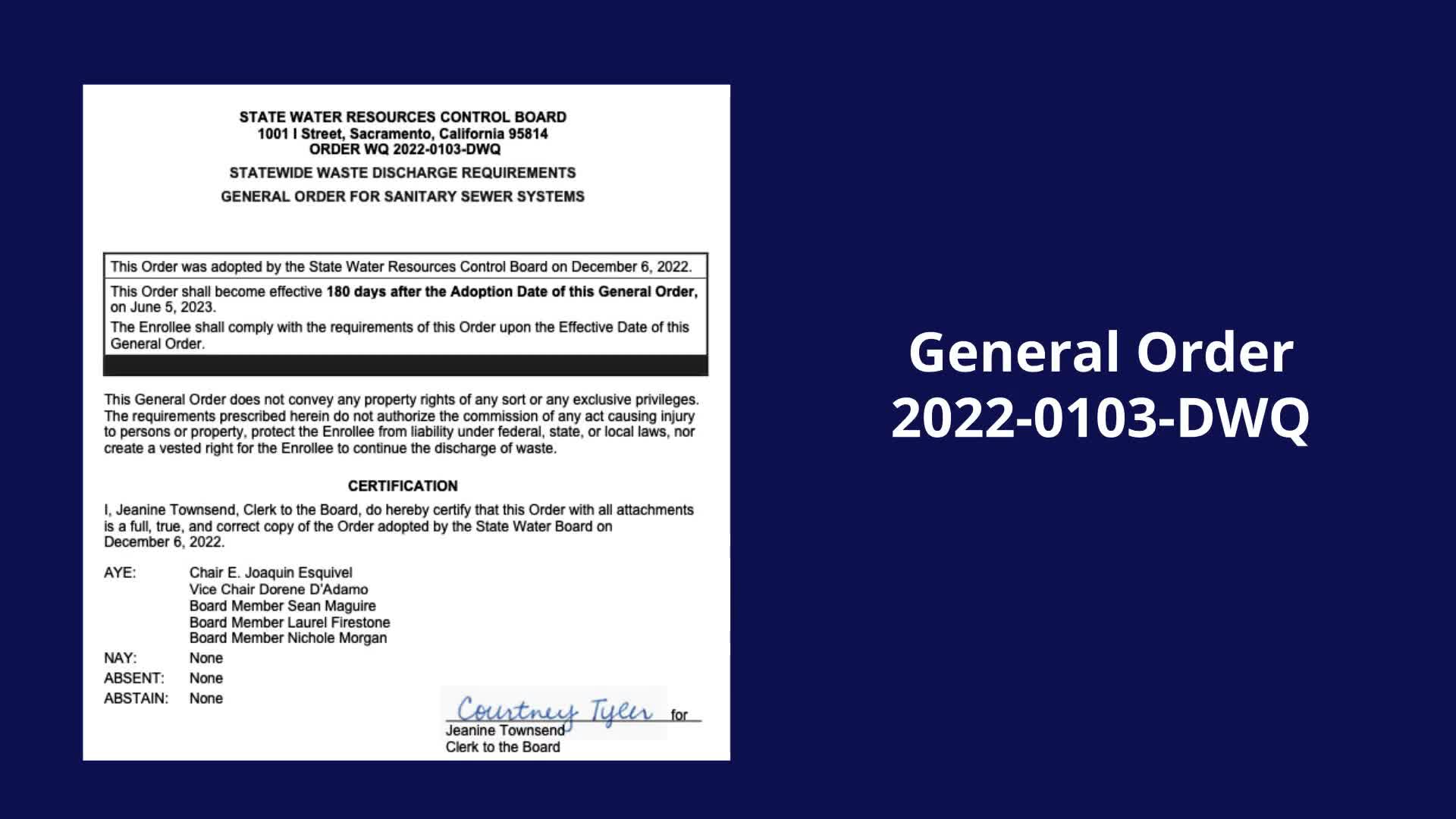
The video cites the General order 2020 Two-one 103 DWQ as the basis for the CWIC filing requirement and states that “Only the LRO may upload and submit sewer system management plans and updates,” a procedural limit LROs must follow when preparing submissions. It lists filing deadlines by system population categories, noting that systems serving populations greater than 100,000 are due May 2, 2025, and systems serving populations under 2,500 are due Aug. 2, 2026; the transcript’s readout of the mid-range population thresholds was unclear.
The presenter walked through the CWIC workflow: log in with your CWIC credentials (username, password, WDID, account PIN and security-question answers), select the Sanitary Sewer Systems link from the CWIC main menu, choose the appropriate system if an agency represents multiple systems, then use the “Sewer System Management Plan upload” link and the Submit/Certify button to upload a Word or PDF SSMP file. “The SSMP file size may not exceed 75 megabytes,” the presenter said, and the video notes files may be split across multiple uploads but zipped files are not accepted. For SSMPs larger than the upload limit, the video instructs agencies they may provide an active link to the document on their own website and enter that link in the plan URL field.
After uploading, the LRO must complete all required fields, read the certification statement, check the agreement box, enter their password and click the certify button; a pop-up confirms successful certification. The video also explains how to view previously submitted SSMPs and the submission history page, which shows file name, document date, upload date/time and a status indicator.
To request that a certified SSMP be returned to editable status for revision, the video directs the LRO to email sanitarysewer@waterboards.ca.gov and to include justification for the amendment. For questions not covered in the video, viewers are told to contact State Water Resources Control Board staff and to consult additional training materials on the board’s website under the general order compliance tools tab.
The video closes with acknowledgements to partner organizations involved in the training production.