State Water Resources Control Board provides step-by-step guidance to submit sanitary sewer internal audits to CWICS
Get AI-powered insights, summaries, and transcripts
Subscribe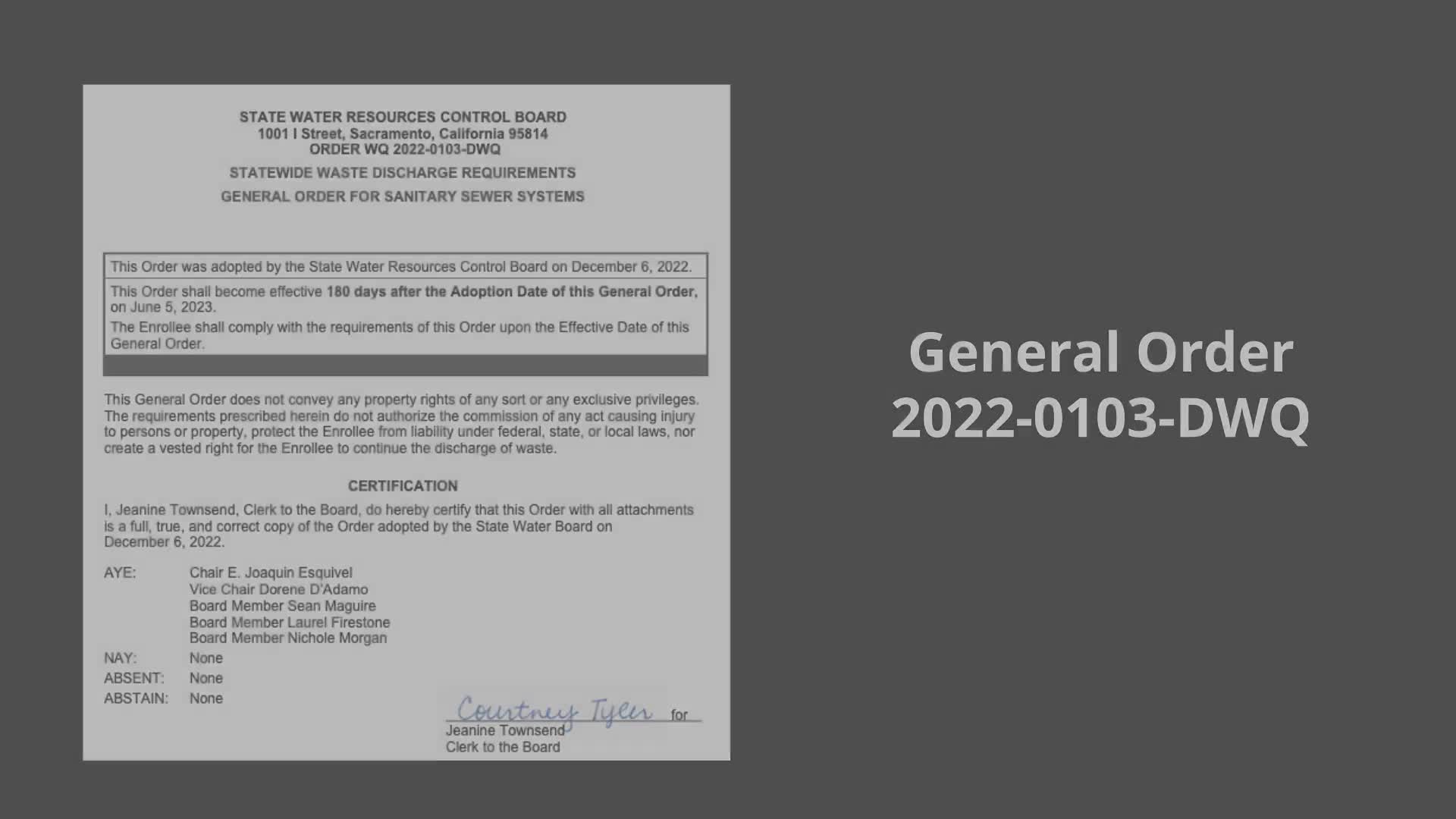
Summary
A training video from the State Water Resources Control Board explains how enrollees subject to the general order must file sanitary sewer internal audit reports in the California Integrated Water Quality System (CWICS), including the six-month deadline, required submitter role, acceptable file types, file-size limits and how to certify reports.
The State Water Resources Control Board provided step-by-step instructions for enrollees required to submit sanitary sewer internal audit reports into the California Integrated Water Quality System (CWICS). The guidance covers deadlines, who must certify reports, acceptable file types and how to record a late submittal justification.
The video explains that under the general order (referred to in the presentation as General Order 2020Two-one 103), “enrollees must submit their internal audit report within 6 months of the end of the audit period.” That deadline applies to the finalized audit document date recorded in CWICS. The presenter also warned that late filing carries an additional administrative step: “If an audit is not performed timely, the enrollee is required to update the CWICS database and select the justification for not conducting the audit by the due date,” and the enrollee must inform the corresponding regional water board of that justification (regional contact information appears in Attachment F of the general order).
The guidance separates the administrative steps users must follow from the substantive requirement to file. The presenter emphasized that providing a late-submittal justification does not relieve an enrollee of the obligation to file the audit report and to comply with subsequent audit schedules aligned with the original due dates. The training also makes clear that the person who must certify the upload is the legally responsible official (LRO) for the agency.
The video demonstrates the upload process in CWICS: log in with the account credentials (username, password, WDID, account PIN and security-question answers); from the CWICS home page click the Sanitary Sewer Systems link; select the correct sanitary sewer system if your organization represents more than one (submissions and certifications are done one system at a time); open the Internal Audit Report Upload link and click the Submit/Certify link for audit periods that have ended; then use the Choose File button to select a Word or PDF file and upload it.
Presenters instructed users to enter document metadata when uploading: choose the document type “internal audit report,” enter the document date (the date the document was finalized) and provide a file description. They noted practical file requirements: “The audit report file size may not exceed 75 megabytes,” and zipped files are not accepted. Additional documents such as appendices or photos may be attached by adding a new row in the Audit Report Certification section and selecting “Other” as the document type, then providing a date and description.
To certify an audit, the LRO must review the certification statements, place checks in the boxes, enter the account password and click “certify.” A confirmation message appears in the system and a confirmation email is sent to the legally responsible official and data submitters associated with the collection system. Viewable records of previously certified audit reports appear on the Audit Reports list page.
If an audit will be late, users should navigate to the due-but-not-submitted audit, click Submit/Certify, and under the certification page choose “provide justification for not submitting the audit report by due date,” then enter a valid reason and click Save. The presenter listed examples of acceptable reasons given in the video, including the sudden departure of an LRO or a cyber attack, and reminded viewers to follow the upload and certify steps once the audit can be completed.
For additional help the video advises contacting State Water Resources Control Board staff via the sanitary-sewer contact provided on the board’s website and points viewers to additional training videos under the general order compliance tools tab on the board webpage. The video credits Summit Partners as producer and lists partner organizations that assisted with the training.