How to register, authorize and manage CIWQS data submitter accounts
Summary
The State Water Resources Control Board published an instructional video showing how individuals can register as data submitters in the California Integrated Water Quality System (CIWQS), how Legally Responsible Officials (LROs) authorize access, and how accounts are updated or deactivated.
Narrator (Speaker 1), the video narrator for the State Water Resources Control Board, explains how individuals can register, be authorized and manage data submitter accounts in the California Integrated Water Quality System (CIWQS).
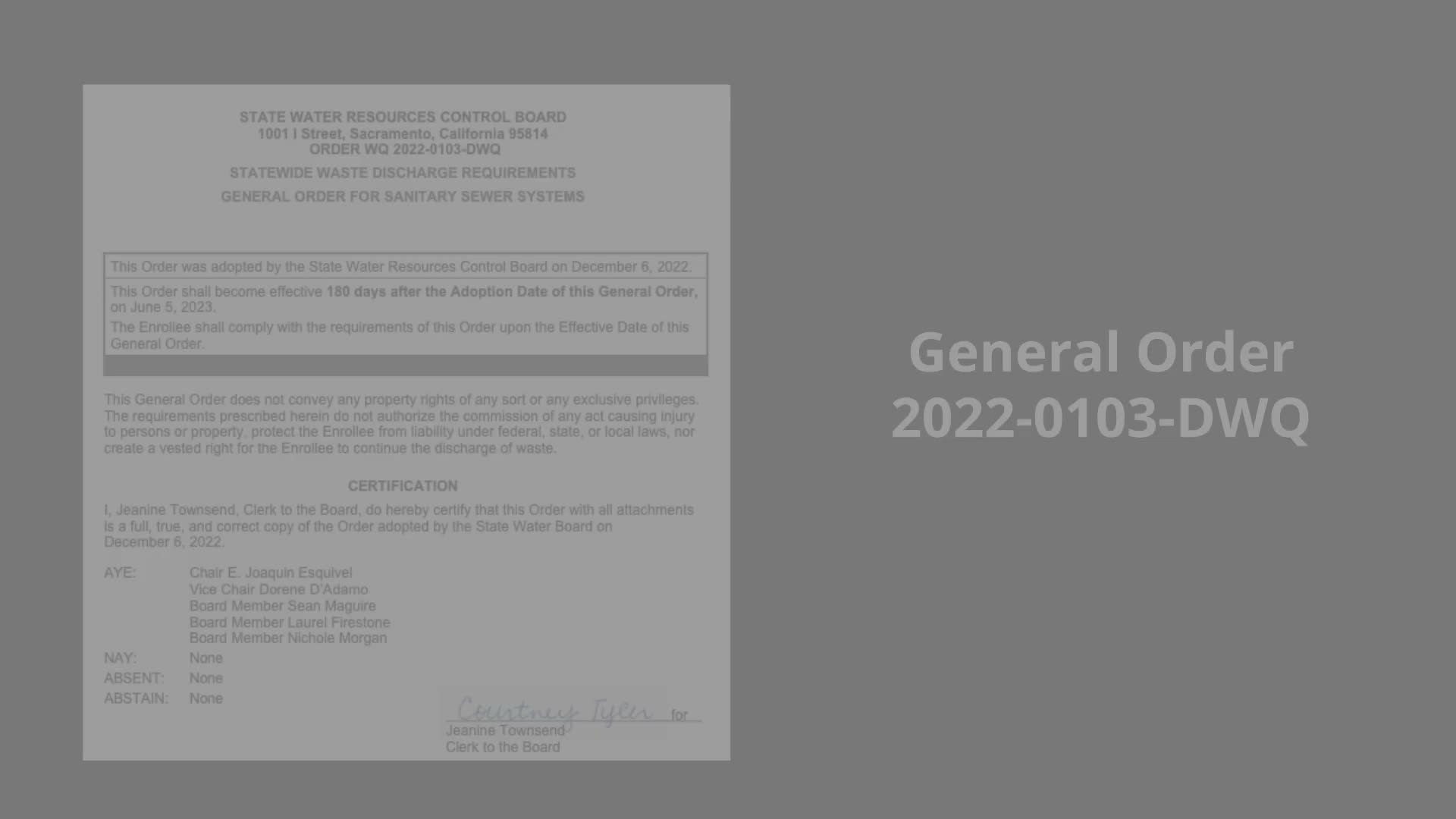
The video opens by citing General Order 2020 2.1.103 and Department of Water Quality guidance (section 5.8) and says that enrollees may designate, update or delete a data submitter; data submitters may only enter data for facilities or collection systems for which they have been granted access by a Legally Responsible Official (LRO). "I wish to be able to submit data on behalf of my facility or location, but I'm not the legally responsible person," the narrator demonstrates as the registration selection users should choose if they are not the LRO.
To register, the narrator directs users to https://ciwqs.waterboards.ca.gov, select User Registration, choose the sanitary sewer overflow discharge type, enter and validate the WDID for the facility they represent, and select the organization and specific facility. Applicants create a user ID and PIN and are advised to save credentials and security-question answers securely. After submitting the application, the system sends a confirmation and notifies the facility's LRO, who must approve the request before the applicant gains facility access.
The video demonstrates the LRO workflow in CIWQS: from the main menu open 'Administer System,' click 'Pending Registrations of Other Dischargers,' locate the pending registration, click 'Review' and then select 'Authorize access' or 'Refuse access.' Once approved, CIWQS issues the data submitter a temporary password by email. As the narrator notes, "since only an LRO can approve a data submitter account, it is important to have at least one active LRO for the facility where you are registering."
The narrator also shows how an LRO can remove access when an employee leaves or retires: use 'Manage Active Data Submitters' to locate the user and deactivate the account; a confirmation message appears on the screen. If a data submitter is authorized on multiple WDIDs, the LRO must remove access for each WDID separately. The video instructs facilities to notify the CIWQS help center (CWICs@waterboards.ca.gov) so the help desk can remove the account from the system as needed.
Data submitters who already have accounts can update contact information and change passwords by signing in and selecting 'View/Change My Personal Information' from the main menu. To request access to another facility, click 'Request Additional Facility' on that same page and follow the same approval process; access is granted only after the facility's LRO authorizes the request.
The video ends by directing viewers to the State Water Resources Control Board's General Order compliance tools tab for additional training videos and lists partner organizations that contributed to the production. For questions not covered in the video, the narrator provides the State Water Resources Control Board contact email and the CIWQS website as support resources.
Next steps: facilities with no active LRO should ensure one is assigned before data submitters attempt registration, and organizations should remind supervisors to promptly deactivate accounts when staff leave to protect facility data access.