Get Full Government Meeting Transcripts, Videos, & Alerts Forever!
State Water Board details how to file change-of-ownership and add agents in Cal Waters
Summary
State Water Board staff walked attendees through the online 'Change of ownership or agent' form, differences between primary and nonprimary owners, mail/billing rules, and priority processing for agent requests ahead of reporting season.
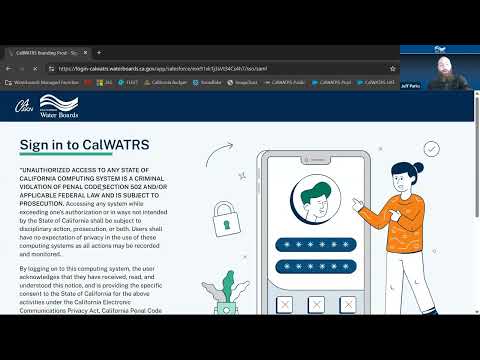
A State Water Board staff member demonstrated how to use Cal Waters’ online services to file a change of ownership or add an agent, and clarified how primary-owner designations, mail and bill receivers, and notification behavior work in the new system.
The presenter said users should navigate Online Services → Water Right Request → 'Change of ownership or agent' to start the form, and choose whether they are the new primary owner or are adding themselves as an agent. "You can add yourself as agent without actually changing the ownership," the presenter said while walking through…
Already have an account? Log in
Subscribe to keep reading
Unlock the rest of this article — and every article on Citizen Portal.
- Unlimited articles
- AI-powered breakdowns of topics, speakers, decisions, and budgets
- Instant alerts when your location has a new meeting
- Follow topics and more locations
- 1,000 AI Insights / month, plus AI Chat