
Microsoft demonstrates SharePoint lists, Teams transcription and Power Automate for legal-aid workflows
Get AI-powered insights, summaries, and transcripts
Subscribe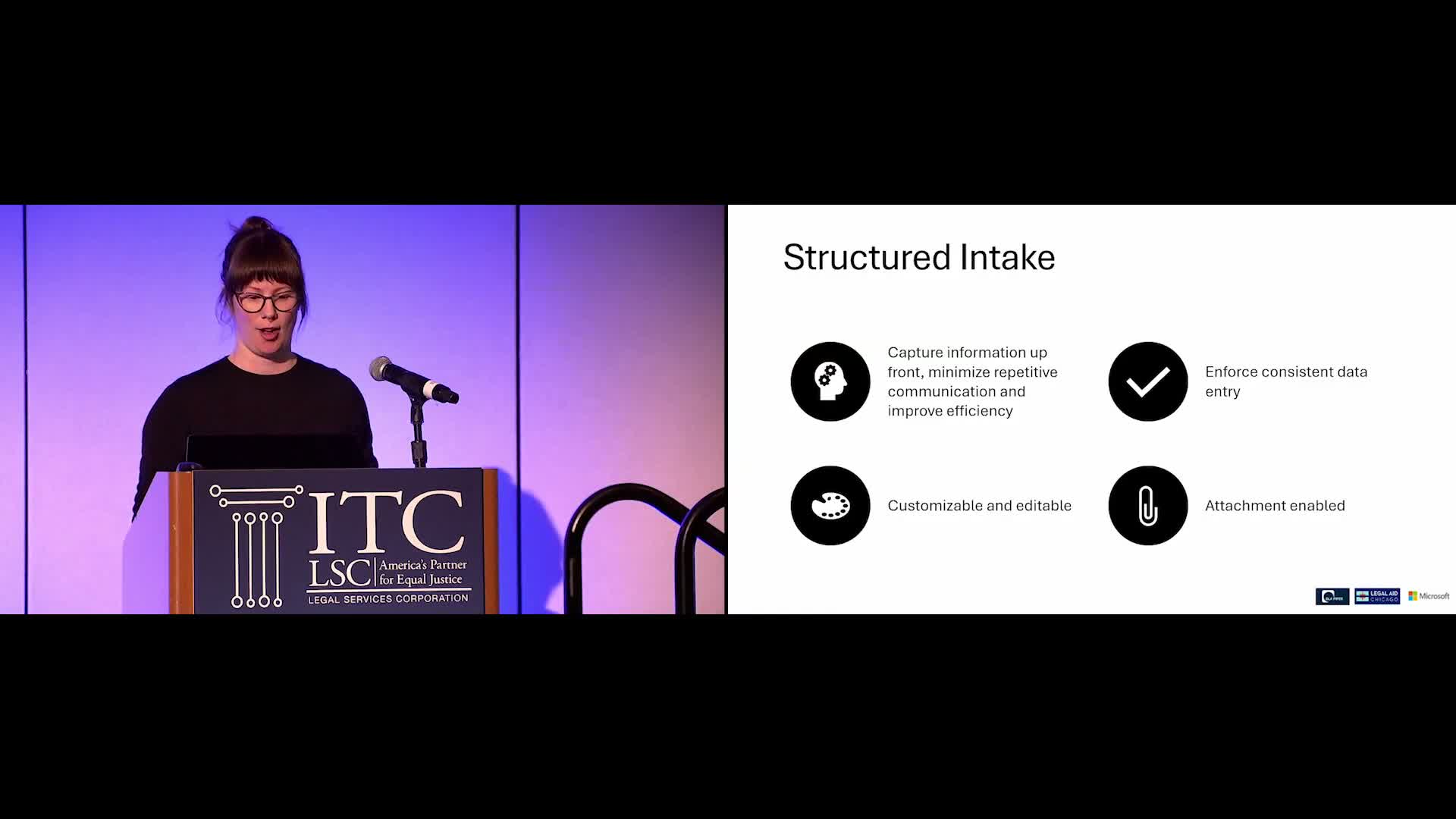
Summary
Microsoft CELA staff showed how Microsoft Forms, SharePoint lists, Teams transcription and Power Automate can be combined to capture structured intake, maintain a single source of truth, control sharing permissions, search across OneDrive/SharePoint and automate notifications or workflows.
Erin Latier of Microsoft's productivity solutions team demonstrated how basic components of the Microsoft 365 stack can be applied to legal-aid workflows.
Latier urged structured intake (Microsoft Forms or SharePoint lists) so organizations capture consistent, reportable data upfront rather than relying on ad-hoc email. She explained the tradeoffs: SharePoint lists offer people columns, version history and richer metadata for repeated collaboration; Forms are easier for one-off external submissions and can be exported into SharePoint for further processing.
Panelists showed a short demonstration of creating a SharePoint list from a template, filling its form and viewing new rows in the list. They recommended saving documents directly into SharePoint or OneDrive to preserve a single authoritative copy, and using the copy-link/share dialog to manage who can open or edit a file, to disable downloads or to set an expiration on access.
For basic automation, Microsoft recommended Power Automate to connect SharePoint lists and document libraries to notification and approval flows; where Power Automate licenses are unavailable, panelists noted built-in alerts and simple SharePoint notifications as fallbacks. They also described organization-wide search (yourorganization.sharepoint.com) that indexes SharePoint and OneDrive content and is permission trimmed.
On transcription, they said Teams'based transcriptions are visible only to meeting invitees unless the owner explicitly shares them; Copilot can query transcripts to extract key elements when available. The presenters repeatedly emphasized the session was not a product pitch but a demonstration of out-of-the-box capabilities many organizations already possess.
During Q&A, panelists recommended starting small, showing immediate value to leadership, engaging stakeholders early and building on incremental wins to obtain ongoing support for KM work.