Get Full Government Meeting Transcripts, Videos, & Alerts Forever!
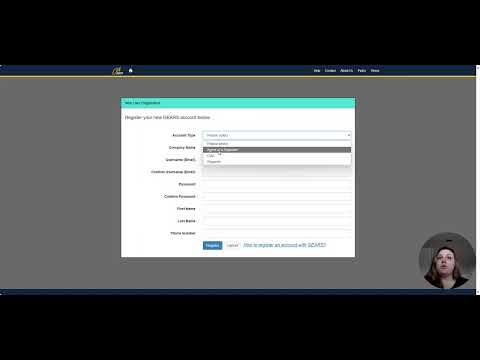
Tutorial explains how to create a GEARS account for groundwater reporting to the State Water Resources Control Board
Summary
A brief instructional video walks users through creating a GEARS account, adding a correspondence ID from the State Water Resources Control Board, selecting the correct account type (usually 'reporter'), and confirming the verification email to activate the account.
Amanda, presenter, opens a short tutorial on creating an account in the GEARS portal for people required to report groundwater pumping to the State Water Resources Control Board. "My name's Amanda. And in today's video, I'm going to go over how to create an account in gears," she says, then shows the steps viewers should follow.
The video targets pumpers who "pump more than 2 acre feet per year cumulatively between all of their wells or people who own wells and use water for non domestic purposes." Viewers are instructed to locate the correspondence ID printed on a letter from the State Water Resources Control Board; that ID…
Already have an account? Log in
Subscribe to keep reading
Unlock the rest of this article — and every article on Citizen Portal.
- Unlimited articles
- AI-powered breakdowns of topics, speakers, decisions, and budgets
- Instant alerts when your location has a new meeting
- Follow topics and more locations
- 1,000 AI Insights / month, plus AI Chat