Get Full Government Meeting Transcripts, Videos, & Alerts Forever!
Get email alerts on the Operations Ece Reporter topic
No spam. Unsubscribe anytime.
Tutorial video — not a civic meeting
Summary
This transcript is a how-to tutorial for the Office of Early Childhood’s ECE Reporter and contains operational instructions, not policy deliberation or formal actions; no news articles generated.
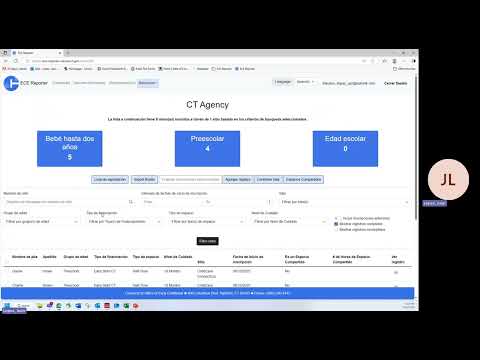
This transcript is a step-by-step tutorial demonstrating how to use the ECE/Easy Reporter system’s Import Child Roster Template to add child records. It explains required documents (birth certificate or legal name verification), data fields to complete (names, date of birth, country/state/city of birth, race/ethnicity, address, family size, annual income, funding type, site, enrollment date and program/funding classifications), how to select Spanish language in the interface, where to find resources and helpdesk support, and how to upload and verify the file. The presenter walks through downloading the organization-specific template, enabling editing, completing required (blue) and optional (gray) fields, avoiding copy-and-paste errors, saving the file closed before upload, choosing the file in the uploader, reviewing the system validation and summary, and confirming the new record appears in the organization’s roster. The recording includes examples (a single sample child) and notes about filtering views, checking funding spaces, and where to find further resources on the Office of Early Childhood website. The transcript does not record motions, votes, public comment, or other formal civic actions.