Get Full Government Meeting Transcripts, Videos, & Alerts Forever!
Get email alerts on the School Transportation topic
No spam. Unsubscribe anytime.
Pickerington Local posts tutorial showing parents how to view bus routes and send requests to Peterman Transportation
Summary
Pickerington Local School District posted a video walkthrough of Tyler's VersaTrans that shows parents how to log in with a student ID, view estimated pickup/drop-off times, update contact information, and submit requests that go to contractor Peterman Transportation.
Pickerington Local School District staff released a short video tutorial that walks parents through using Tyler's VersaTrans to view their students' bus routes, update drop-off information and send parent-communication requests to Peterman Transportation, the district’s transportation contractor.
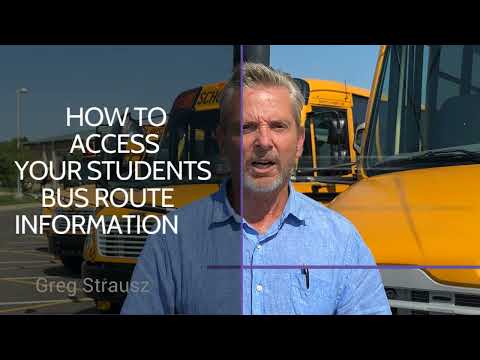
Greg Strauss, transportation supervisor for Pickerington Local School District, opens the video and says district staff worked with Peterman to create the tutorials. The presentation shows how to reach Tyler's VersaTrans from www.plsd.us, sign in with a student ID or username and password, and use the site’s three main options: "work with students," "set options" and "parent communication."
The presenter demonstrated the "view my students" page, which lists each pupil by last name, first name, school and grade and provides estimated pickup and drop-off times. In the example shown, a student’s pickup location is listed as 461 Pruden Drive with an estimated pickup time of about 08:54 AM and a drop-off at the Heritage Entrance at 09:05. The afternoon example showed a student leaving the school around 04:05 and arriving at the bus stop around 04:21. The presenter emphasized that these are estimated arrival times to the school and departures may be delayed by loading or other unforeseen reasons.
The video explains how to fill the parent communication form: copy the student name and identifying fields into the message box, enter current contact and drop-off information line by line, check the entries, and send a copy of the request to the sender's email for records. Pressing "send" forwards the request to Peterman Transportation, which will review and adjust busing information if necessary. For questions, the presenter gave Peterman Transportation's phone number: (614) 837-8525.
The tutorial is intended to help parents confirm route details and update contact or drop-off information online. The video ends with contact information for Peterman Transportation for any follow-up questions.