Get Full Government Meeting Transcripts, Videos, & Alerts Forever!
Get email alerts on the Technology topic
No spam. Unsubscribe anytime.
Winnebago County trains supervisors on board laptops, multi‑factor login and the board portal ahead of organizational meeting
Summary
County IT and the clerk's office led hands-on setup for supervisor laptops, Duo multi‑factor authentication, Office 365 email and board‑portal functions (marking present, request to speak, e‑voting) and warned about Windows updates and device readiness for meetings.
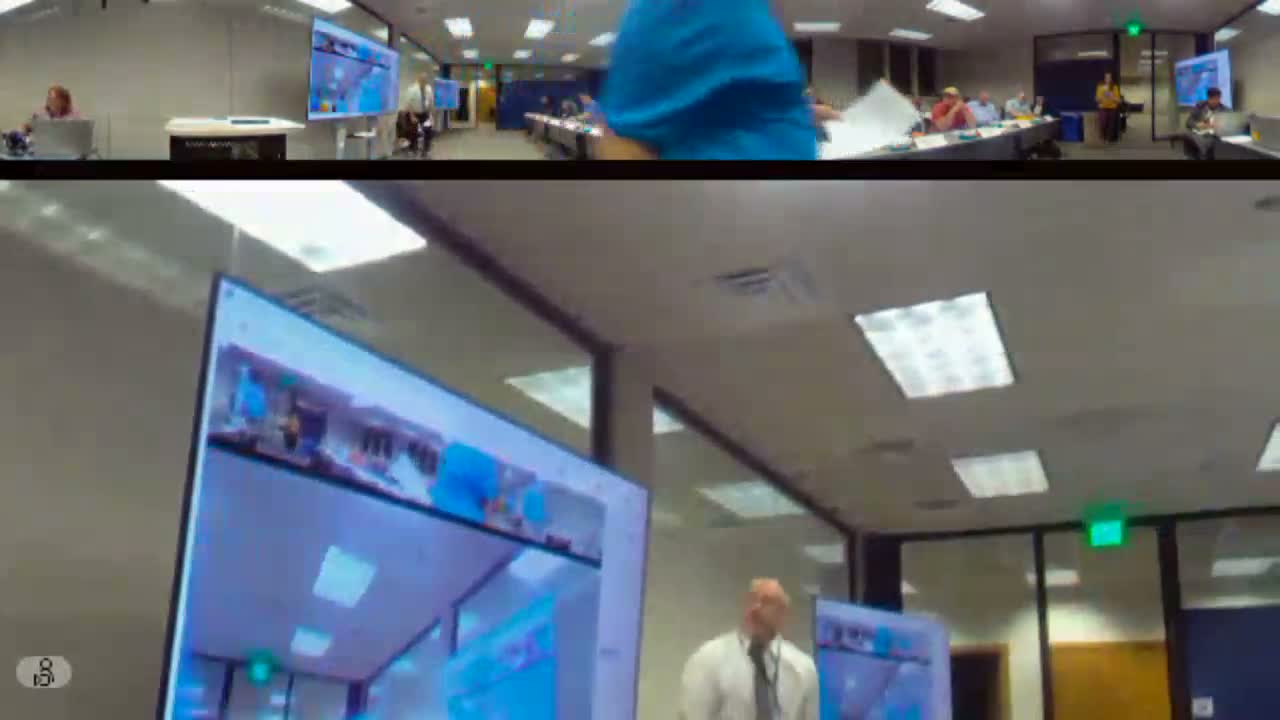
Winnebago County IT staff and the county clerk staged hands-on training to make sure newly seated supervisors can access the board portal, use e‑voting and request‑to‑speak features and check email ahead of the upcoming organization meeting.
IT Director Jennifer Ritten walked supervisors through account setup, the temporary initial password and the requirement to change it to a 20‑character passphrase, Duo multi‑factor authentication with a supplied security key, and how to join the board‑portal meeting and mark themselves "present" to enable voting and request‑to‑speak controls.
She emphasized practical tips: join the meeting as soon as you arrive, save your vote when prompted and keep devices up to date—Windows updates can take time and have caused problems in previous meetings. Staff also demonstrated the board portal preview and highlighted additional features such as PDF annotations and OneDrive storage.
Why it matters: Procedural problems with sign-in or e‑voting can disrupt meetings and slow roll‑call votes. IT and clerk staff said joining early and following the steps will reduce technical interruptions and protect the integrity of recorded votes and public records.
Ending: IT and clerk staff will be present at the organizational meeting to provide in-person assistance to supervisors who need help logging in or testing voting features.