Get Full Government Meeting Transcripts, Videos, & Alerts Forever!
Evanston committee tours Energy Star Portfolio Manager; staff flag data-entry, utility-integration hurdles
Summary
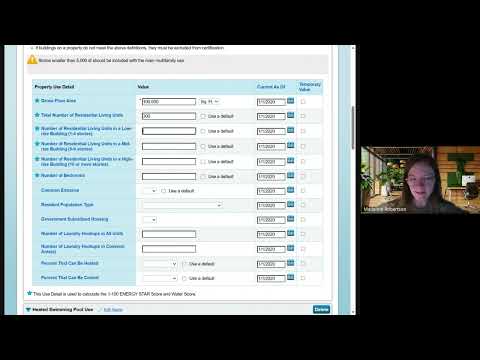
At an Evanston Healthy Buildings Technical Committee meeting, a Portfolio Manager walkthrough highlighted where building owners struggle: locating city building IDs, entering gross floor and mixed-use areas, connecting utilities for automatic data pulls, and fixing flagged data—with a new help-desk guide released to address common errors.
A demonstration of Energy Star Portfolio Manager at the Evanston Healthy Buildings Technical Committee meeting on the committee’s scheduled agenda focused on practical steps for owners to set up building profiles and avoid common data errors.
Maddie, who led the walkthrough, showed how to select property type (the group uses multifamily under lodging for many units), designate whether a property is single- or multi-building and find the city-assigned building ID on Evanston’s benchmarking web page. She told the group owners can locate their building ID by using the city’s benchmarking map or the building list, and that the covered-buildings list is updated annually.
Why it matters: accurate building IDs, gross floor area and meter…
Already have an account? Log in
Subscribe to keep reading
Unlock the rest of this article — and every article on Citizen Portal.
- Unlimited articles
- AI-powered breakdowns of topics, speakers, decisions, and budgets
- Instant alerts when your location has a new meeting
- Follow topics and more locations
- 1,000 AI Insights / month, plus AI Chat