Get Full Government Meeting Transcripts, Videos, & Alerts Forever!
Get email alerts on the Grants topic
No spam. Unsubscribe anytime.
Rochelle Hoffman leads training on Volusia County ECHO application portal
Summary
Rochelle Hoffman led an ECHO program training reviewing volusiacountyservices.my.site.com, the self-registration flow, application submission and required uploads, budgeting rules (signage ineligible), quarterly/annual reporting, reimbursements, and budget-change requests.
Rochelle Hoffman opened an ECHO program training and walked attendees step-by-step through the Volusia County ECHO portal, volusiacountyservices.my.site.com, demonstrating how to self-register, submit applications, complete budgets and reports, and request reimbursements.
Hoffman said applicants who have not registered should click the "not a member" link, provide an email and organization name, then follow the emailed link to obtain their username and create a password. "Once you've logged onto the site, you're going to click the not a member uh URL if you have not registered before," she said, advising users to store the username and password for future access.
She reviewed account settings and recommended enabling email notifications so applicants receive ECHO team messages. On the home page she highlighted tabs for "my project," "my applications" and "support," and noted that awarded projects appear in the "my project" tile.
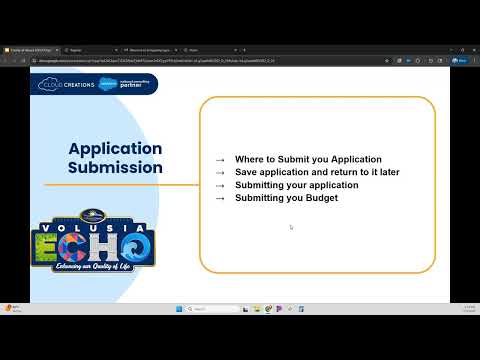
On applications, Hoffman emphasized that all fields and uploads are required and that if a document is not applicable applicants must create and upload a note explaining why. She demonstrated the "save for later" feature and warned that the portal generates a unique URL to reopen a saved application: "It's the only way we can access our saved application later."
Hoffman showed the budget form workflow, including dropdown categories and the option to add custom categories. She noted applicants can enter zero amounts for low-cost items and that some items are ineligible for the ECHO match: "Our signage here has a help text. The temporary signage and permanent signage are not eligible for the Echo match." She explained applicants must still submit a project budget even after completing the main application.
For awarded projects, she outlined maintenance tasks: quarterly reports during construction and annual reports after construction ends. She demonstrated adding a grant number to reports, relating files and using the portal's chatter function to ask questions or receive technical review notes. On reimbursements she showed creating a reimbursement header, adding line items with invoice numbers and dates, saving them, and tracking approval status via chatter.
Hoffman closed by pointing attendees to the support tile for contact names and phone numbers listed in the portal and reminding participants they can use chatter throughout the process to communicate with ECHO staff. "That will conclude our ECHO program training. Thank you," she said.
The training covered practical, step-by-step portal operations that applicants will need to register, submit and manage ECHO funding applications and post-award reporting.