Get Full Government Meeting Transcripts, Videos, & Alerts Forever!
Get email alerts on the Elections topic
No spam. Unsubscribe anytime.
How to vote at a polling place in Missouri: show photo ID, get a ballot and use the tabulator
Summary
An informational announcement instructs voters to present a photo ID (Missouri driver's license, non-driver's license, or passport), receive a paper ballot, follow ballot instructions and insert the ballot into a tabulator. Voters with questions should ask an election judge.
An unnamed presenter in an informational recording walked voters through the in-person voting process at a polling place, saying they must present a photo ID, receive and fill a ballot and then use a tabulator to complete voting.
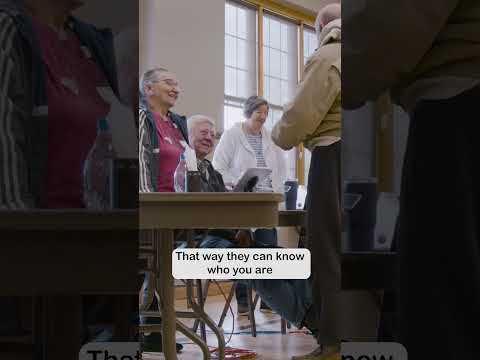
The presenter said voters should "show them a photo ID, like a Missouri driver's license, non-driver's license, or passport," explaining that election judges use the ID "so they can know who you are and make sure that you're at the right place to vote." This step, the presenter said, allows judges to verify identity and issue the voter a paper ballot.
After showing an acceptable photo ID, "they'll give you one of these ballots," the presenter said. Voters are instructed to take the ballot to a private area, follow the printed instructions and complete their selections. When finished, the recording says, voters should feed the ballot into the tabulator to cast their vote.
"And that's it. You voted," the presenter said, closing the basic instructions. The announcement ends by advising voters: "If you have any questions, ask your election judge."