Get Full Government Meeting Transcripts, Videos, & Alerts Forever!
Get email alerts on the Search Strategies topic
No spam. Unsubscribe anytime.
How to find Census tables: single search bar vs filters
Summary
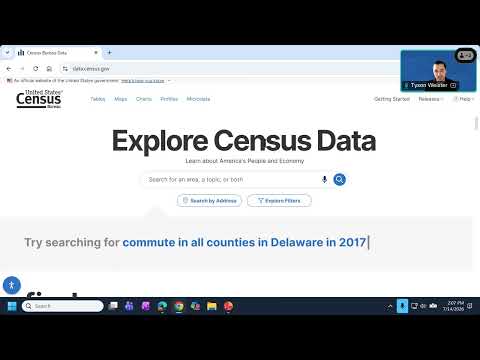
Presenter Tyson Weister demonstrated how to use the single search bar for quick keyword lookups (topic, geography, table ID, year, codes) and when to use the filters panel for precise, checkbox‑driven selections.
Tyson Weister explained there are two primary search methods on data.census.gov: "1 is the single search bar" for keyword queries and "the other way you can search is by selecting filters" for a guided checkbox approach. He advised using concise keywords (topic, geography, year or table ID) rather than full questions for the single search bar.
In a live demo, Weister searched "population total" and "Idaho," opened Tables and selected the B01003 table to retrieve population estimates; he noted the results could include decennial census numbers and ACS estimates. He showed users how the results page displays a featured statistic (the example returned a 2020 census population) and how to switch views to tables, maps or charts.