Get Full Government Meeting Transcripts, Videos, & Alerts Forever!
Get email alerts on the Application Process topic
No spam. Unsubscribe anytime.
How to apply: steps, documents and timelines for CCISD meal benefits
Summary
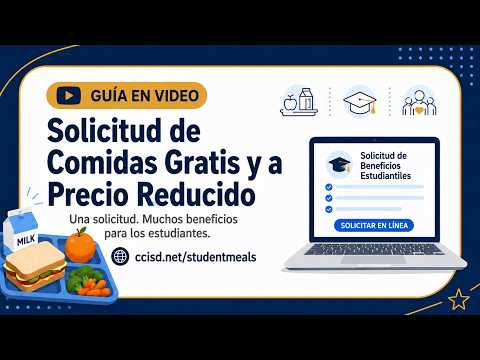
The presenter walked families through step-by-step application instructions: use the CCISD site to access SchoolCafe9, connect students via Skyward ID and PIN, provide EDG or last four of signer's SSN if needed, then wait up to 10 business days for processing.
The presenter provided a four-step walkthrough for families to complete the free and reduced-price meals application online. She/they said families should go to the CCISD website and follow the link to SchoolCafe9 to create or sign into an account, connect students with the Skyward ID and PIN, select "apply for benefits" and complete the full form because incomplete applications cannot be processed.
The presenter also listed documents to have ready: student ID and PIN (from Skyward), EDG number if the household receives SNAP/TANF/Medicaid, or otherwise the last four digits of the adult signer's Social Security number and one month's household income records. She/they reminded families that processing can take up to 10 business days and that families are responsible for meal costs until approval is granted.