Get Full Government Meeting Transcripts, Videos, & Alerts Forever!
Get email alerts on the Application Process topic
No spam. Unsubscribe anytime.
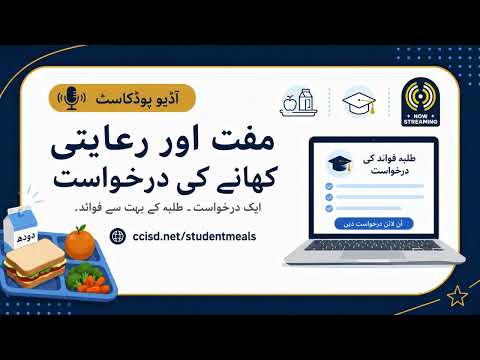
How to complete CLEAR CREEK ISD’s student-meals application online
Summary
CLEAR CREEK ISD staff walked through the online application (transcribed link: CCIST dot net / student meals), required documents (student ID/PIN from Skyward, EDG number or last 4 of Social Security, last month's household income) and the submission flow; decisions take up to 10 business days.
CLEAR CREEK ISD staff provided step-by-step instructions for applying online. The presenter gave the URL as transcribed ("CCIST dot net / student meals") and said families should have the student’s ID and PIN (from Skyward) and the student’s EDG number; if an EDG number is not available, the signing adult’s Social Security last four digits and last month’s household income should be provided.
On login, families should create an account or sign in, link each student using the student ID and PIN, select the benefits option and complete the form. The presenter warned that incomplete forms cannot be processed and that families will receive an email once the district has made a decision. They said decisions can take up to 10 business days and families must pay full price until approval.