Get Full Government Meeting Transcripts, Videos, & Alerts Forever!
Get email alerts on the Civic Engagement topic
No spam. Unsubscribe anytime.
How to get your neighborhood featured on Raleigh's Neighborhood Navigator
Summary
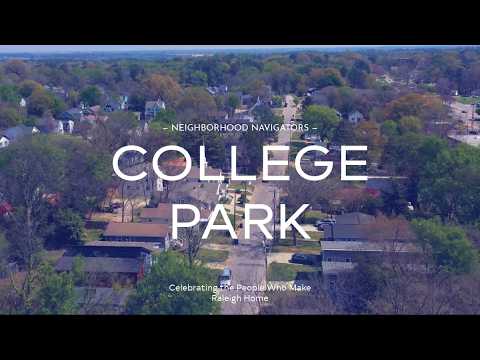
At the end of the program a staff member explained how residents can have registered neighborhoods featured, directing them to raleighnc.gov and to search for the Neighborhood Registry to apply.
The program concluded with a practical call to action: residents who want their registered neighborhood featured in the Neighborhood Navigator series were told to visit the City website. "If you would like your registered neighborhood featured in our Neighborhood Navigator series, go to raleighnc.gov and search Neighborhood Registry," said the staff member (S12).
The instruction provides a clear step for neighbors who want their neighborhood profile included in future features. The presenter and residents framed this as an opportunity to document local history and to ensure that upcoming reinvestment or programming acknowledges neighborhood heritage.