Get Full Government Meeting Transcripts, Videos, & Alerts Forever!
Get email alerts on the Documents topic
No spam. Unsubscribe anytime.
KPPA shows how to upload documents and use the secure message center
Summary
KPPA staff demonstrated the documents upload module and internal messaging (IMC): choose a document type, upload a single file, verify preview and receive a success notice; IMC notifies members by email but sends secure content only inside the portal.
James Isaacs demonstrated how to upload documents to a personal forms library and how KPPA sends members messages and forms through the secure internal messaging center.
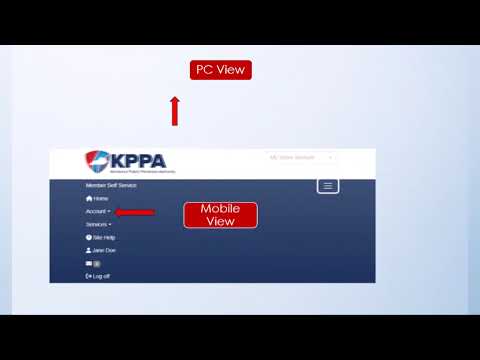
Isaacs walked through selecting a document type from the dropdown, choosing the file (PDF or JPEG) from a device, verifying the low‑resolution preview for legibility and clicking upload. “The documents module allows users to upload documents from their PC or phone directly to their individual forms library in our office,” he said. He cautioned against uploading multiple documents together and showed the success notice that confirms a complete upload.
Isaacs also described IMC behavior: members receive an email notifying them that a secure message is available but the email contains no secure content; messages and attachments must be opened inside IMC. He noted members with printers can print messages if needed.