Get Full Government Meeting Transcripts, Videos, & Alerts Forever!
Get email alerts on the Application Process topic
No spam. Unsubscribe anytime.
How to apply for Utah’s CTE scholarship: deadlines, documents and step‑by‑step tips
Summary
State CTE staff walked counselors through finding the application, required documents, key deadlines and technical steps for submitting via Adobe Sign; they emphasized preparing answers in a separate document because the form is timed.
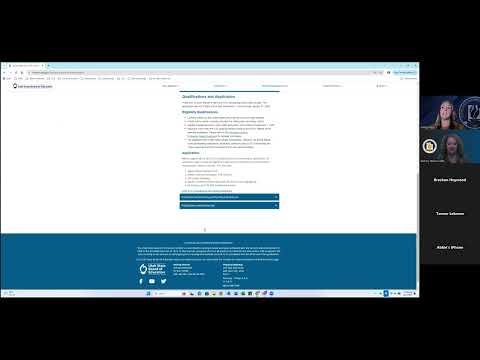
Ashley Higgs, the CTE education specialist who led the webinar, told counselors how to find the application on the state site and what to have ready before beginning the Adobe Sign form. She said the application opens November 1 and “closes January 31” at 11:59 p.m., and that the form cannot be saved mid‑submission, so applicants should copy short answers into a Word or Google Doc and paste them into the timed form.
Ashley also walked through the submission confirmation steps: after completing the form, applicants must confirm submission through an email from Adobe Sign. “Once I hit confirm, it’s gonna say, awesome. You’ve submitted it, and we’ve gotten it,” she said, adding that the scholarship office will rely on the email confirmation and time stamp. The presenters recommended counselors verify the student email can receive external mail and suggested aiming to finish submissions well before the deadline to avoid last‑minute problems.
The webinar included specific technical tips: use a single merged PDF for certifications and make sure the unofficial transcript uploaded is signed and highlights all CTE courses. Counselors were advised to have students complete and proofread answers in December or by about January 15 to avoid upload problems near the deadline.