Get Full Government Meeting Transcripts, Videos, & Alerts Forever!
Get email alerts on the Education Edtech topic
No spam. Unsubscribe anytime.
Berkeley County Schools tutorial shows steps to submit assignments in Schoology app
Summary
A district staff member demonstrated how students can submit photo or text assignments through the Schoology mobile app, highlighting the Grades Submissions tab, upload options, and the confirmation that appears after sending a submission.
Presenter, a staff member, demonstrated in a short instructional video how students can submit assignments using the Schoology mobile app.
The presenter opened a course, selected the assignment, and told viewers to read the teacher’s directions before using the Grades Submissions tab to send their work.
The video’s nut graf: the presenter laid out the specific submission options students will see so they can complete and confirm assignments electronically.
The presenter said, "In this video, I'm gonna show you how to submit an assignment on the Schoology app," then walked through the steps. First, students should open the course and click the assignment, then use the Grades Submissions tab in the upper ribbon to begin.
The presenter showed that students who have not yet sent work will see a "no submissions found" message and should tap the plus button in the upper-right corner to create a submission. The presenter explained there are "two options": "upload a submission" for pictures, videos, files, or items from Resources, or "create a text submission" to type a response.
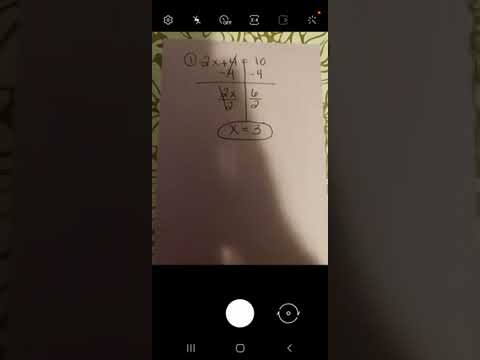
For a teacher request that asks for a photo, the presenter selected Upload and then chose Photo from four upload choices (photo, video, file, resource). The presenter advised taking a clear picture; the app displays a spinning indicator while the file saves.
After the photo finishes saving, students may add additional files or press the Send button in the upper right to submit. The presenter said the app will confirm with a pop-up reading "assignment submitted." The presenter also showed that the submitted picture appears under the assignment’s revision history as one of the student’s revisions.
The video focused on the mechanics of submission and did not discuss grading timelines, district policies, or support contacts. Viewers were not given a named presenter, an organizational contact, or a date in the video.