Get Full Government Meeting Transcripts, Videos, & Alerts Forever!
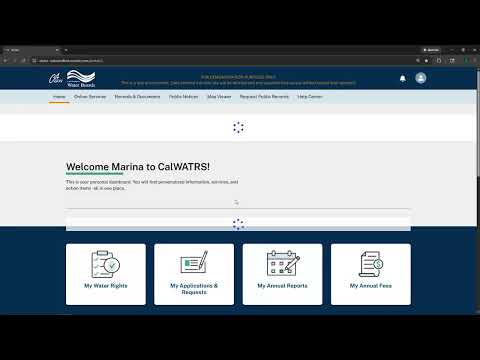
Cal Waters tutorial shows how to complete and submit annual water-right reports online
Summary
A Cal Waters tutorial video walks users through starting, saving, amending and submitting annual water-right reports in the online system, explains units and optional templates, and highlights SB 88 measurement questions and device‑registration limits.
A Cal Waters tutorial video demonstrates how water-right holders can start, complete, amend and submit annual reports in the online system.
The video, presented as a step‑by‑step walkthrough, guides users from the My Annual Reports tab to the Basic Information section, shows how to enter monthly diversion amounts and select reporting options (including an option for holders who did not divert water), and explains how to save, download PDFs and finalize submission. “This video is to guide Cal Waters users on filing annual report,” the Presenter says at the start of the demonstration.
Why it matters: timely and accurate annual reporting is a statutory requirement for many water-right holders and the tutorial highlights measurement-reporting questions tied to SB 88, which affect how some holders must provide device data or monthly flow values.
Key steps and details
The Presenter demonstrates…
Already have an account? Log in
Subscribe to keep reading
Unlock the rest of this article — and every article on Citizen Portal.
- Unlimited articles
- AI-powered breakdowns of topics, speakers, decisions, and budgets
- Instant alerts when your location has a new meeting
- Follow topics and more locations
- 1,000 AI Insights / month, plus AI Chat