Get Full Government Meeting Transcripts, Videos, & Alerts Forever!
Get email alerts on the Records Access topic
No spam. Unsubscribe anytime.
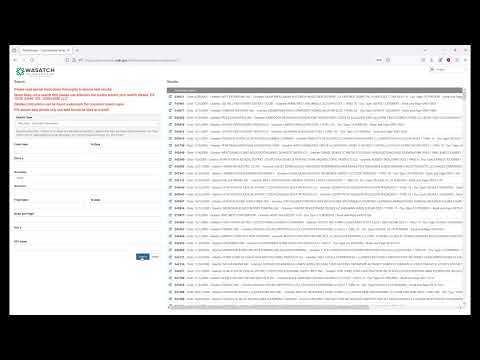
Tutorial: Wasatch County document and video lookup
Summary
A step-by-step tutorial explaining how to navigate Wasatch County's website to find and download recorded documents and meeting videos; it provides search tips (use asterisks, last-name-first) and notes on download queuing for large files.
A recorded tutorial from Wasatch County guides viewers through using the county website (www.wasatchcounty.gov) to locate document and video lookup tools. The presenter directed users to select Services, expand the chevron next to Services, then choose Information Lookup Services and the document and video retrieval pane. The presenter recommended using a single search field at a time and surrounding search terms with asterisks to broaden matches, demonstrated searching recorder/recorded documents (suggesting last-name-first format for full-name searches), and showed how to open PDFs or download items via the browser. For video files, the presenter warned that downloads may queue and take several minutes, especially for longer meetings.