Get Full Government Meeting Transcripts, Videos, & Alerts Forever!
Get email alerts on the Document Custodian Transfer topic
No spam. Unsubscribe anytime.
Ginnie Mae demonstrates Geninet document-custodian transfer process; four transfer types and import best practices
Summary
Trainers demonstrated Geninet steps for partial/complete transfers and mergers, urged issuers to use import files for large volumes, and said the new portal will perform more upfront edits to reduce rejections.
Ginnie Mae trainers used a step-by-step demo to show issuers how to execute document custodian transfer requests in Geninet and reviewed rules for different transfer types.
Wade demonstrated how to log into Geninet, navigate to the document custodian transfer area, choose a transfer type (complete transfer, partial transfer, complete merger, or partial merger), import pools or enter pool numbers manually, and generate the HUD 11715 report for records. He warned that large-volume transfers are best handled via import files rather than manual entry to avoid errors and lengthy data entry.
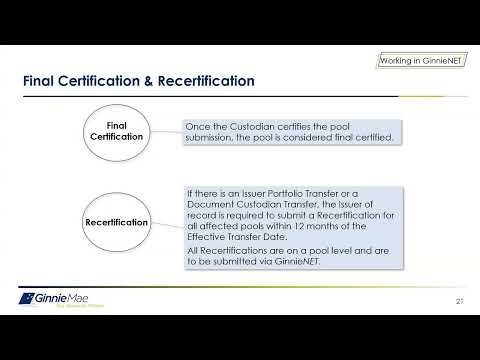
Trainers clarified timing rules: transfers must use an effective date at least three business days in the future and no more than six months ahead; if a pool is transferred with a pending final certification, the new issuer’s completion of that certification closes both the pending recertification and the open final certification. For mergers (complete or partial), presenters said those requests do not require new recertification of affected pools and that pool status prior to the merger remains the same.
Wade said the current Geninet process can generate back-end rejections and that the planned portal will include more upfront edits to reduce those rejections, simplifying the process over time. He urged issuers to triple-check whether a request should be submitted as a 'complete' or 'partial' action to avoid costly reversals.
Attendees were directed to the Ginnie Mae MBS guide, MFPDM user manual and QRCs, and told to contact account executives or the Ginnie Mae customer support team for help.